
OverviewIteration 2 introduced the pop-up feature, requiring the user to enable the "Display over other apps" permission. Dynamic difficulty scaling was added for game 2, and UI elements were refined for better usability and functionality. |
Home Screen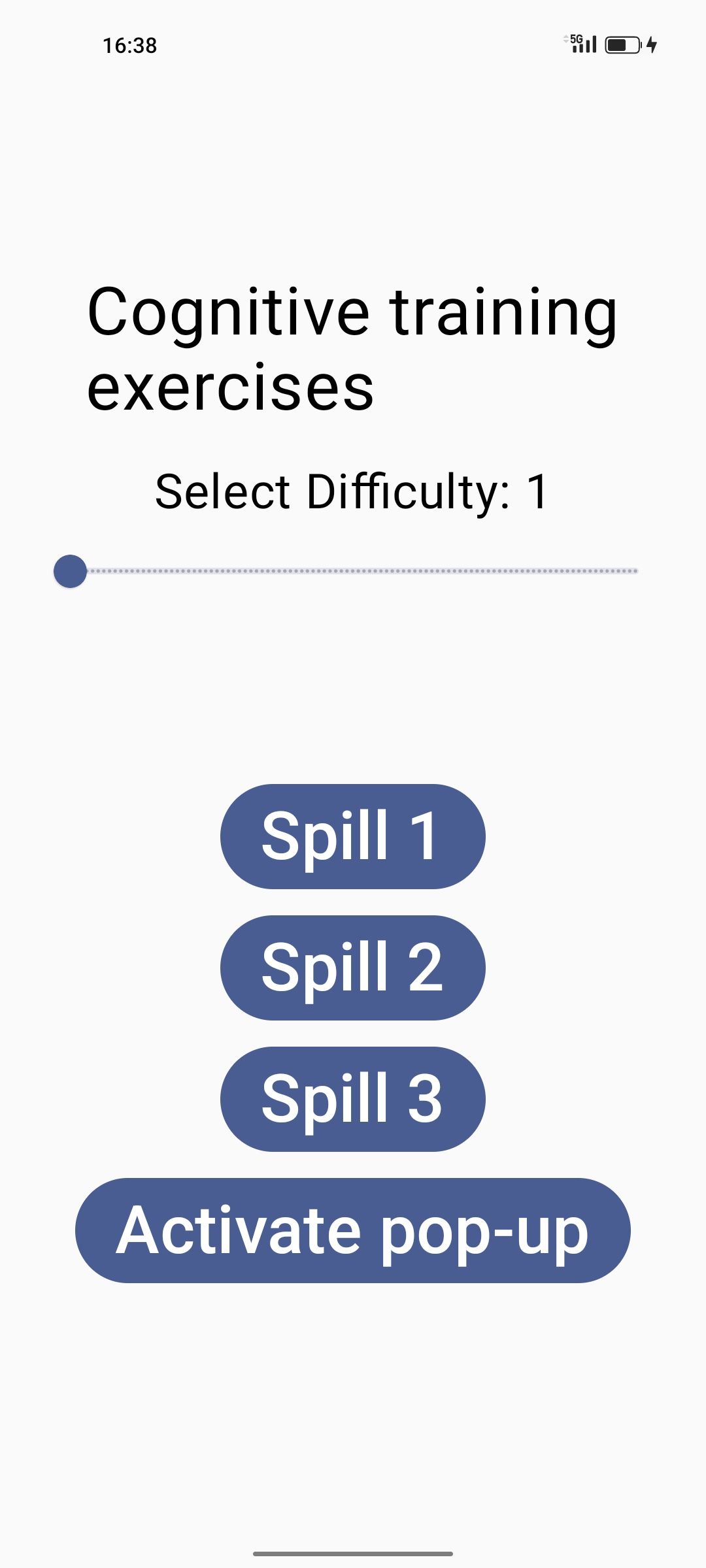
|
| First Launch | Toggle Option | After Allowing |
|---|---|---|
 |
 |
 |
|
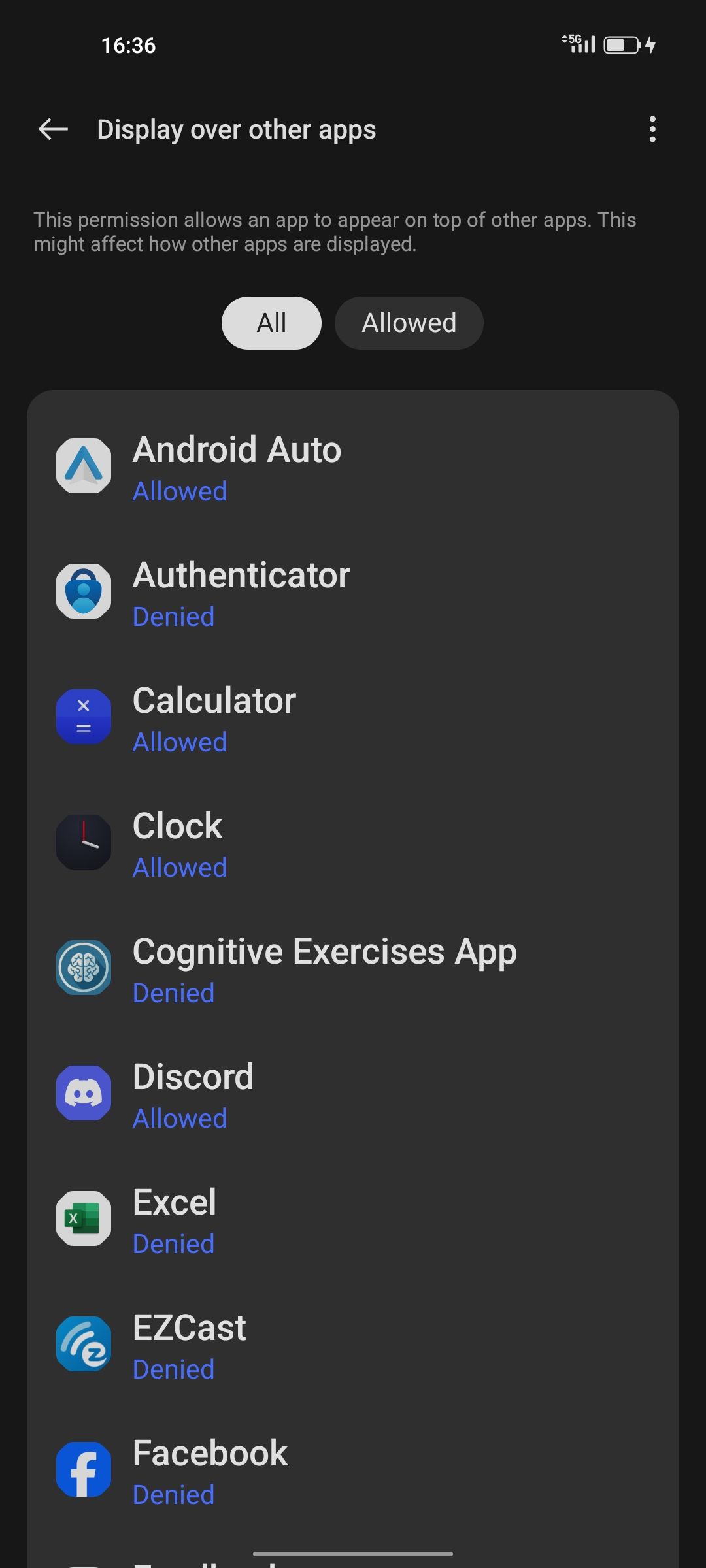
When the app is opened for the first time (or if the permission has not been granted), the user is automatically redirected to this settings screen. From here, they must select the app to access the toggle for the required permission.
Note: In the screenshot, the app currently has the permission set to "Denied." |
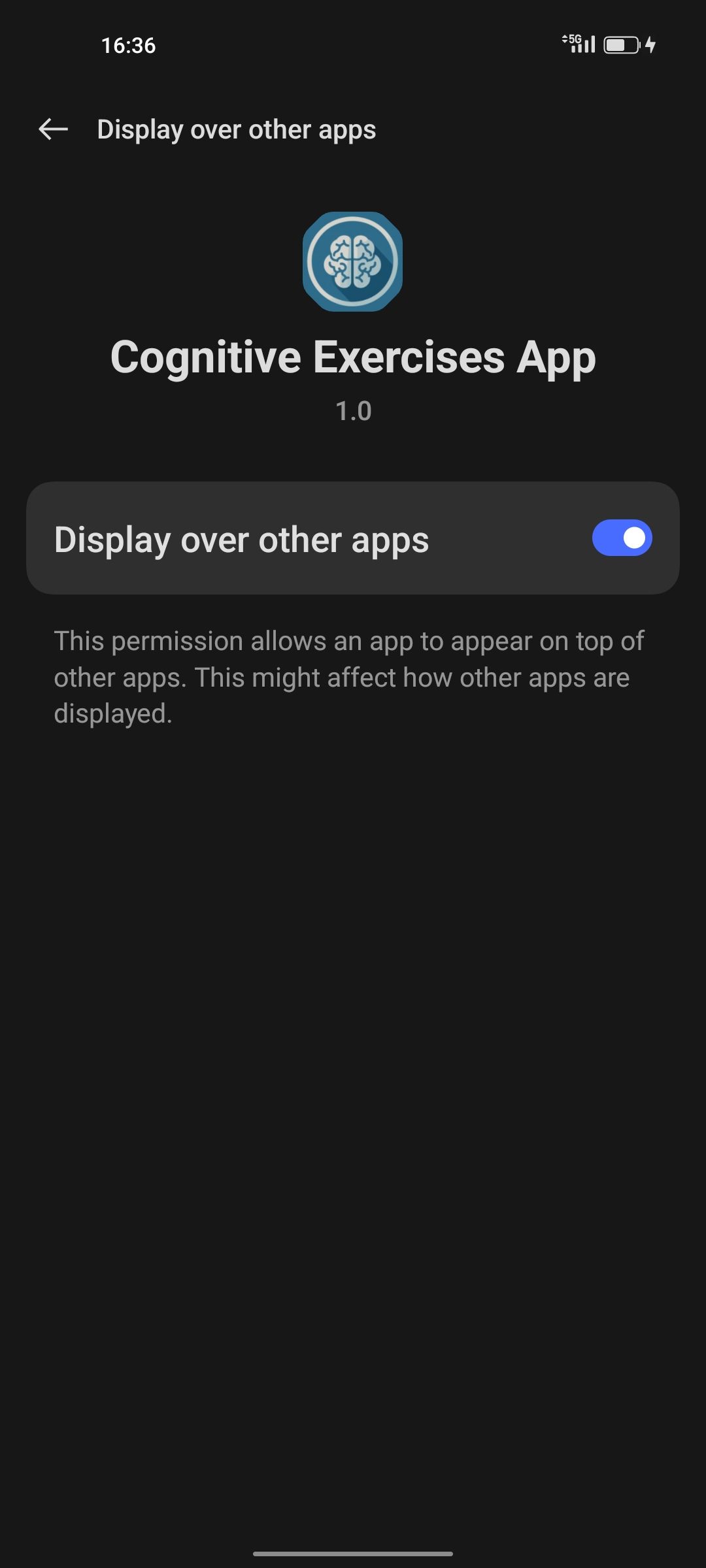
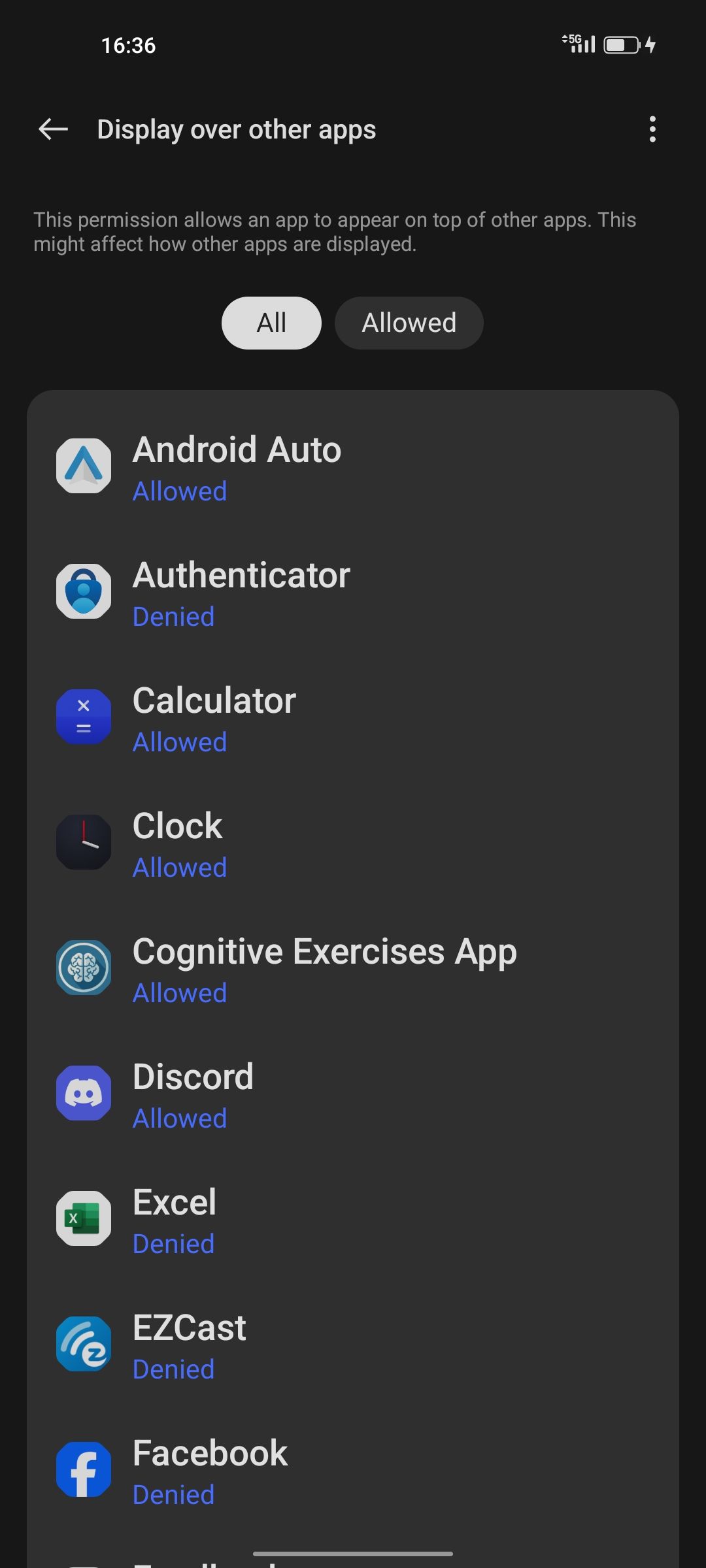
After selecting the app, the user can enable the "Display over other apps" permission to allow pop-up functionality. | After pressing the back button once, the user can see that the app now shows "Allowed" beneath it. If they press back again, they will return to the app. |
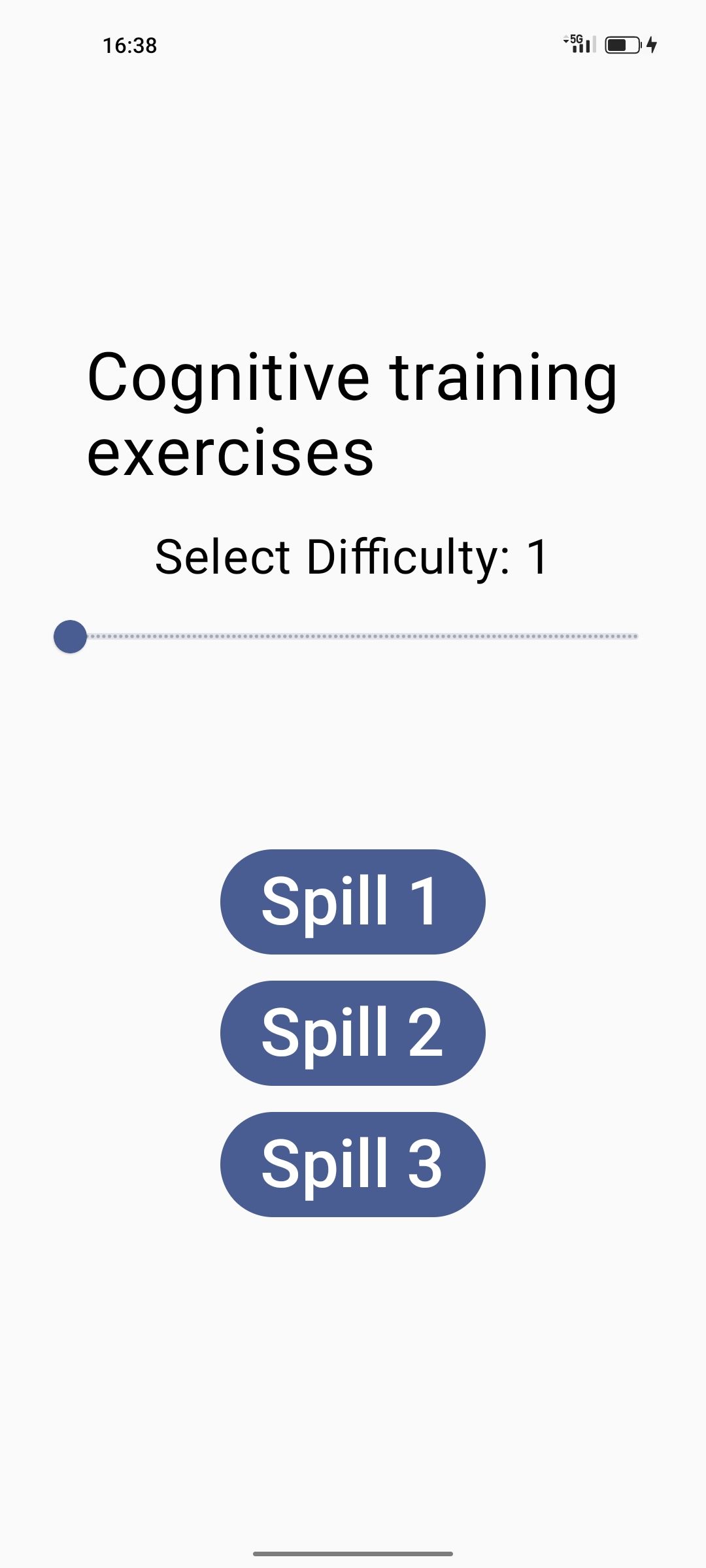
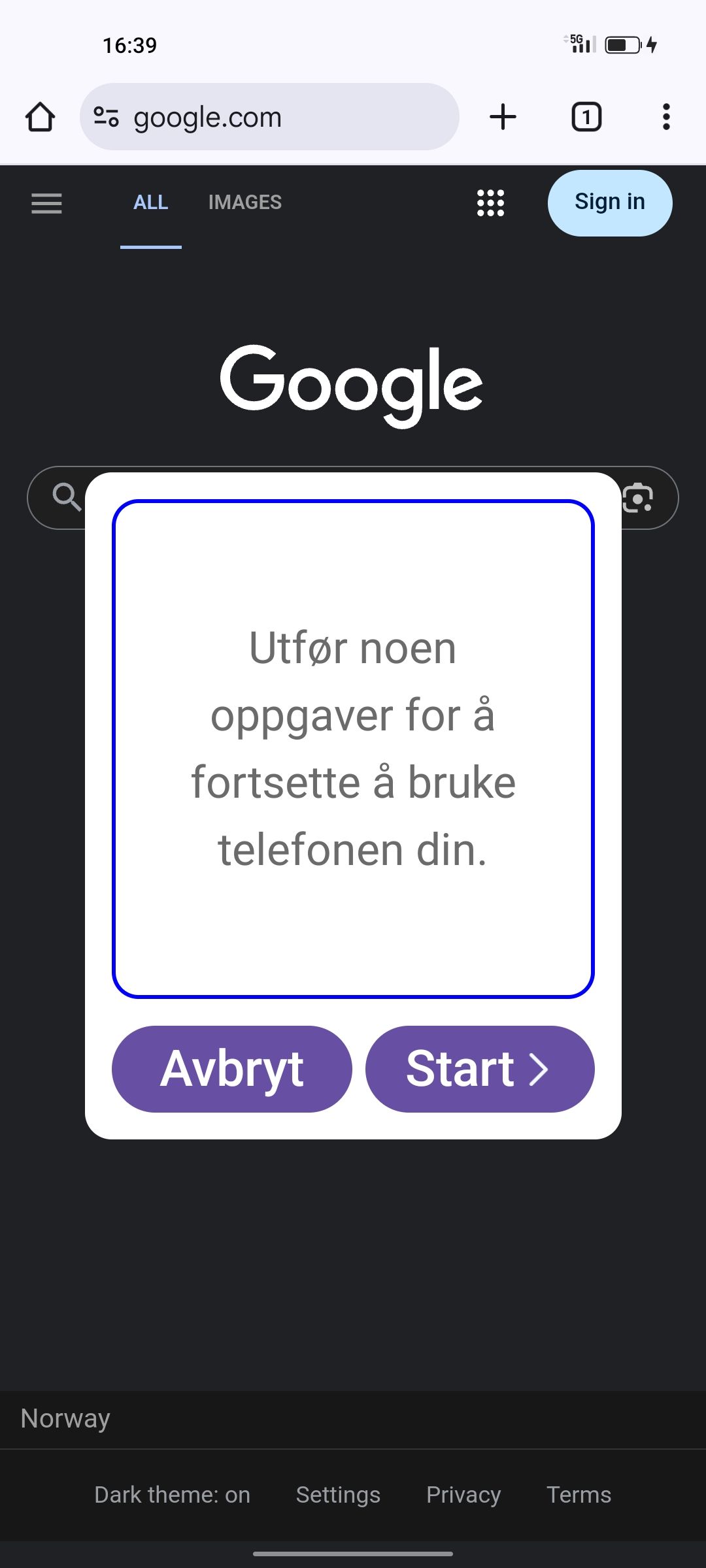
| Activate Button | After Click | In Chrome | Video |
|---|---|---|---|
|
 |
 |
|
| Note: The home screen now shows an "Activate Pop-Up" button. | Note: After clicking "Activate Pop-Up," the button disappears. If the app is force-closed and reopened, the button will appear again. | Note: The pop-up appears anywhere on the user's phone 15 seconds after pressing the "Activate Pop-Up" button. |
This video shows the app behavior after installation or when permission isn’t granted.
The app redirects the user to settings to allow "Display over other apps." Tapping "Activate Pop-Up" triggers a pop-up after 15 seconds. Note: Due to a bug, the app always sends the user back to settings once, even after permission is granted — but not again after that. |
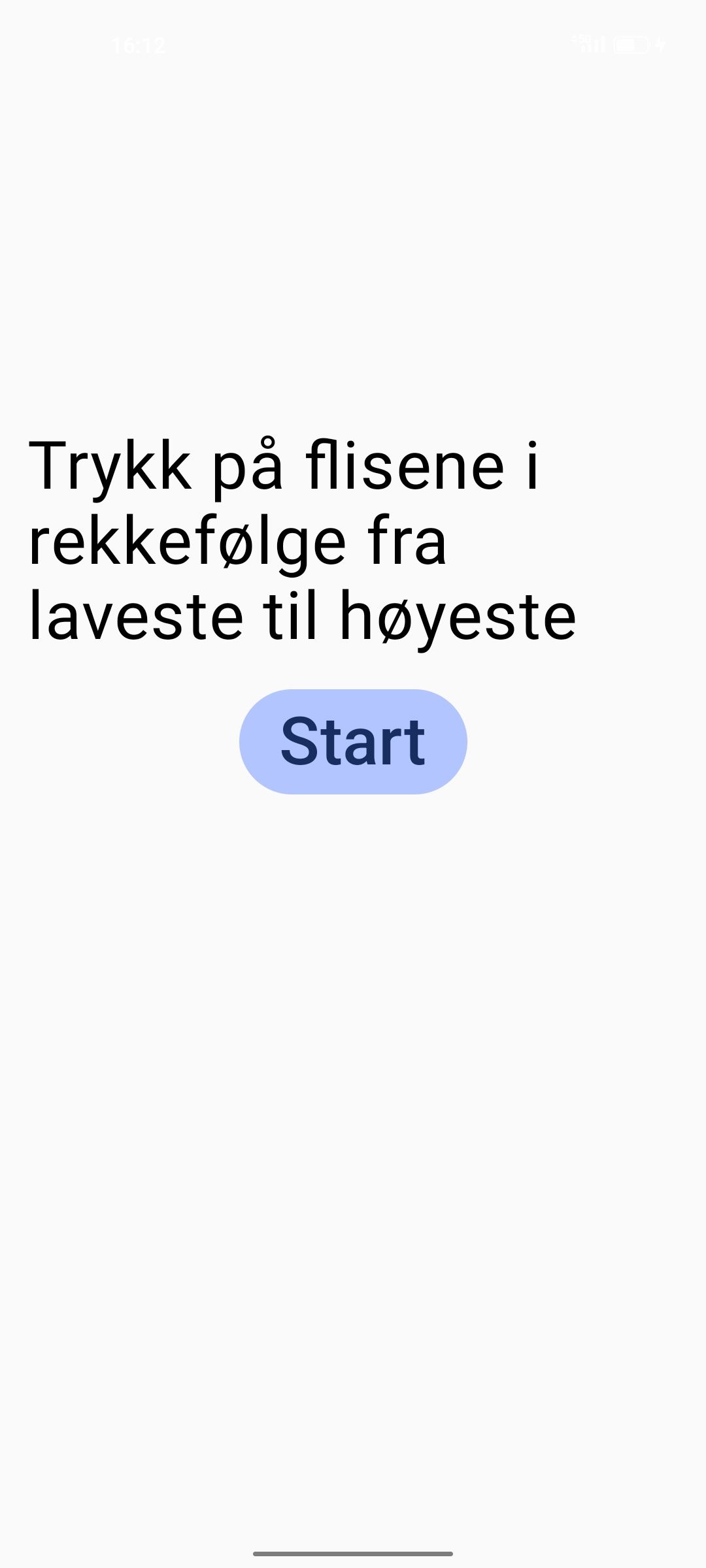
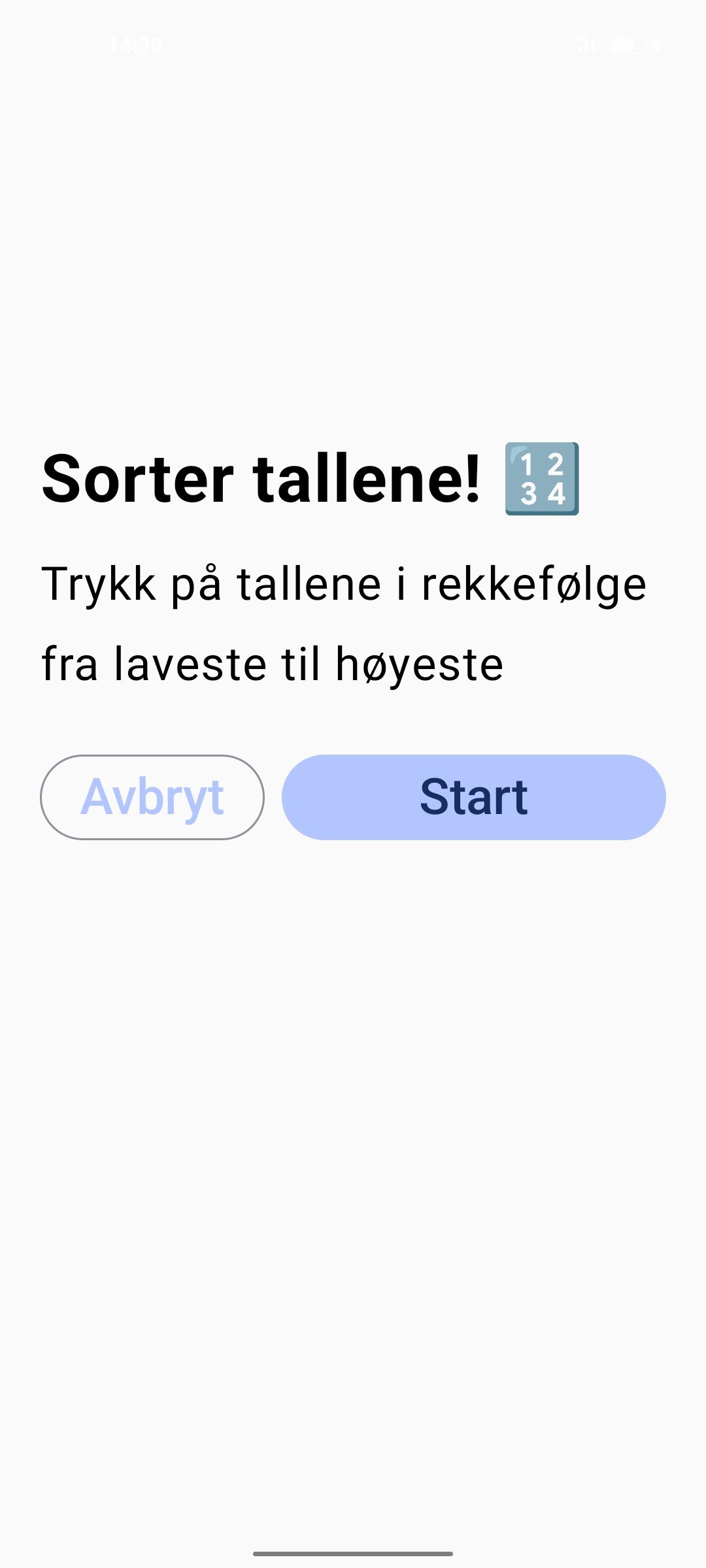
| Info Screen First Itoration | Info Screen Second Itoration Norwegian Only |
Video | Image | Difficulty |
|---|---|---|---|---|
 |
|
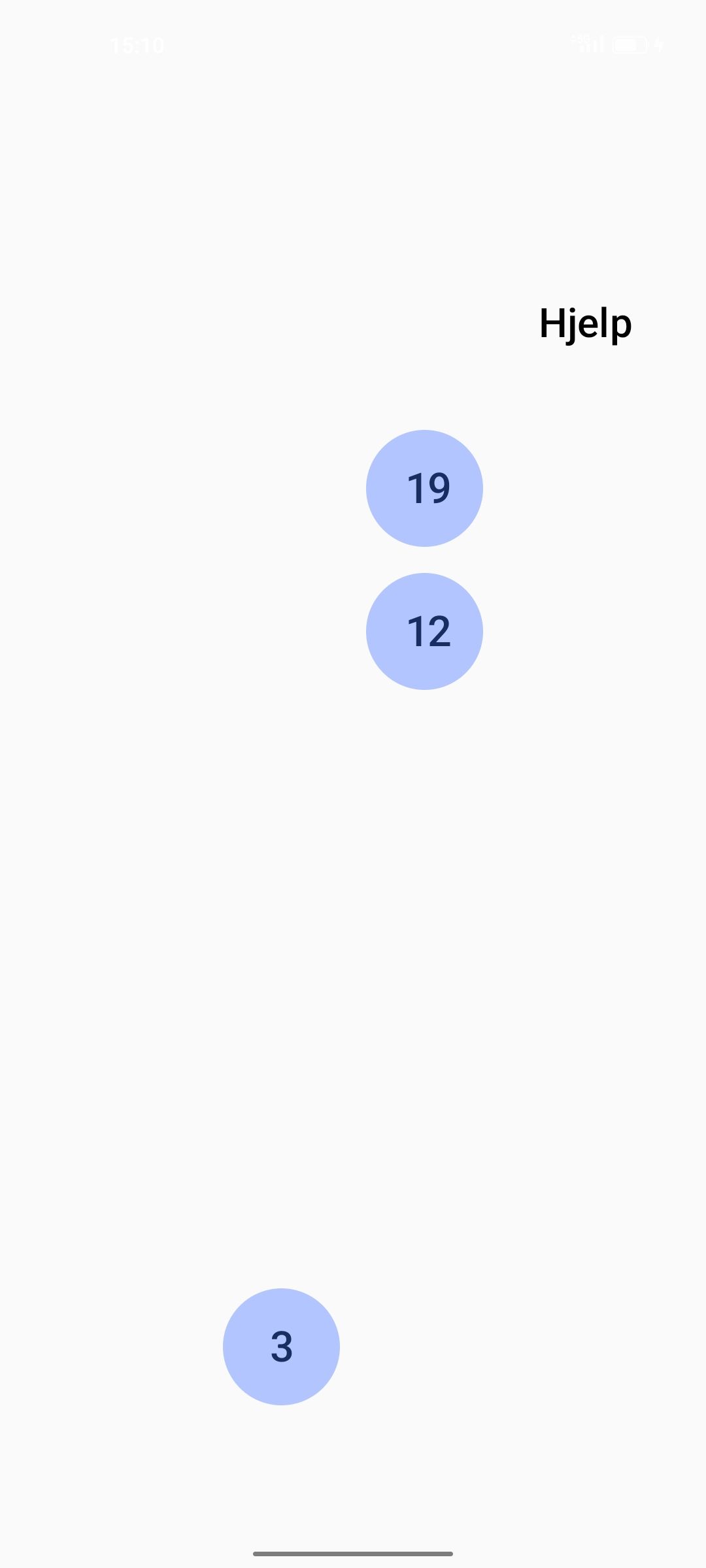
|
Same as in first iteration. |
| Info Screen First Itoration | Info Screen Second Itoration Norwegian Only |
Video | Image | Difficulty |
|---|---|---|---|---|
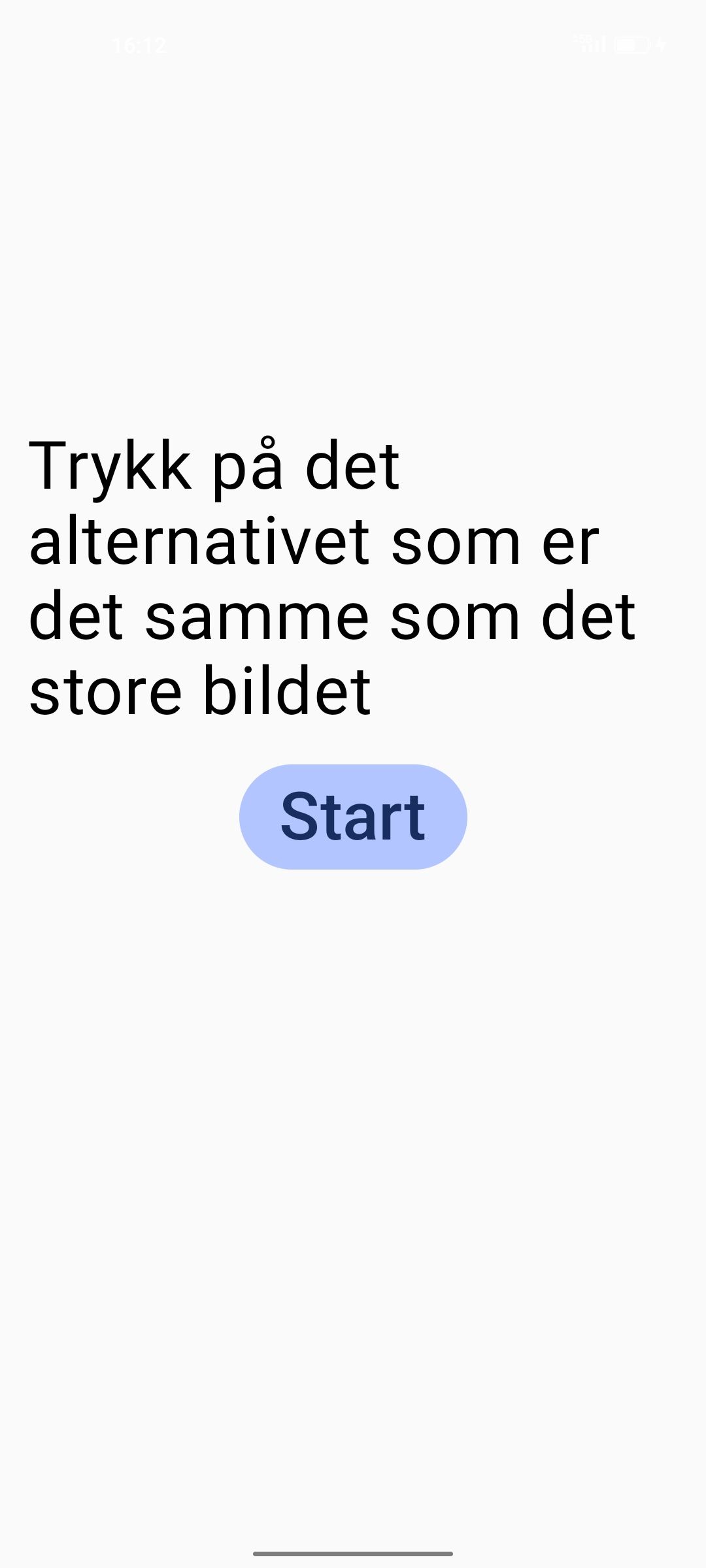 |
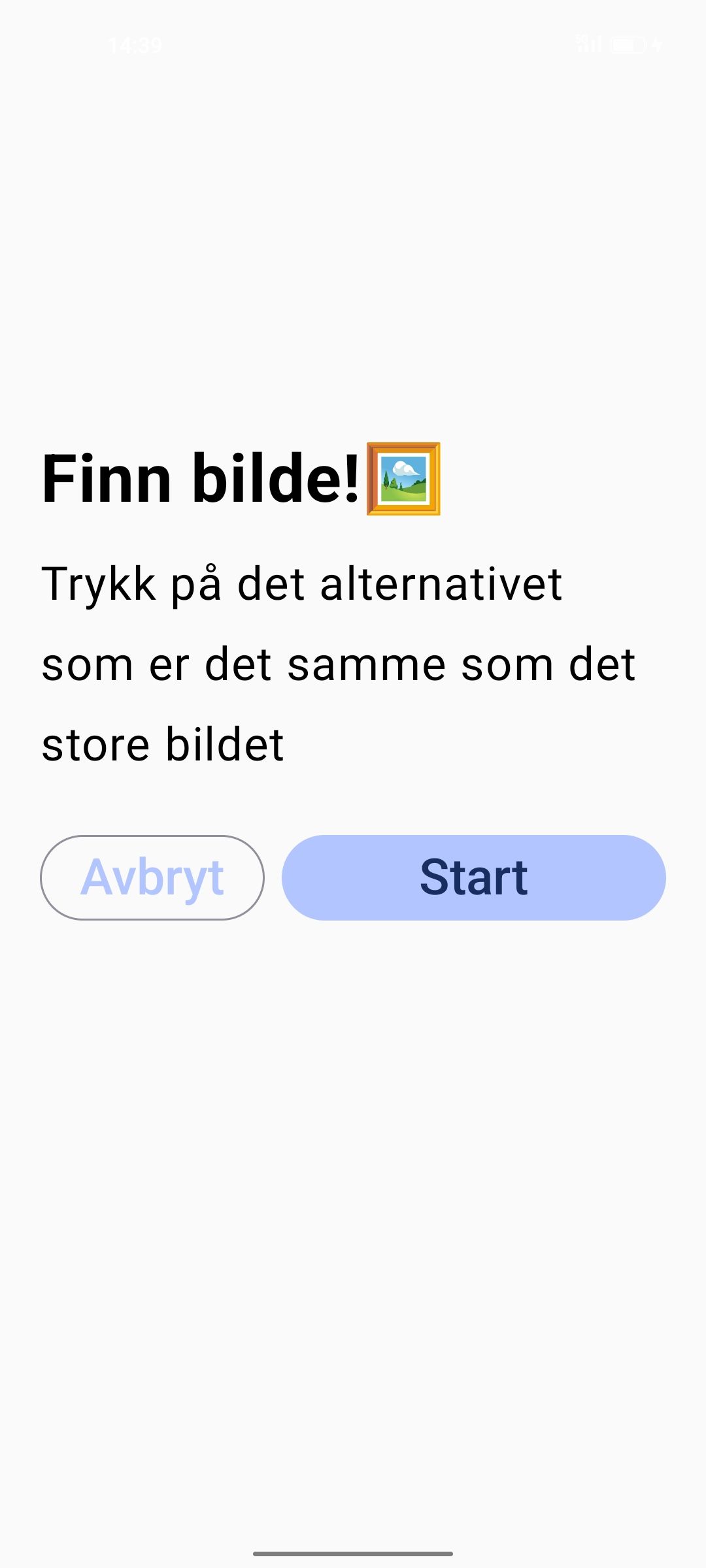
|
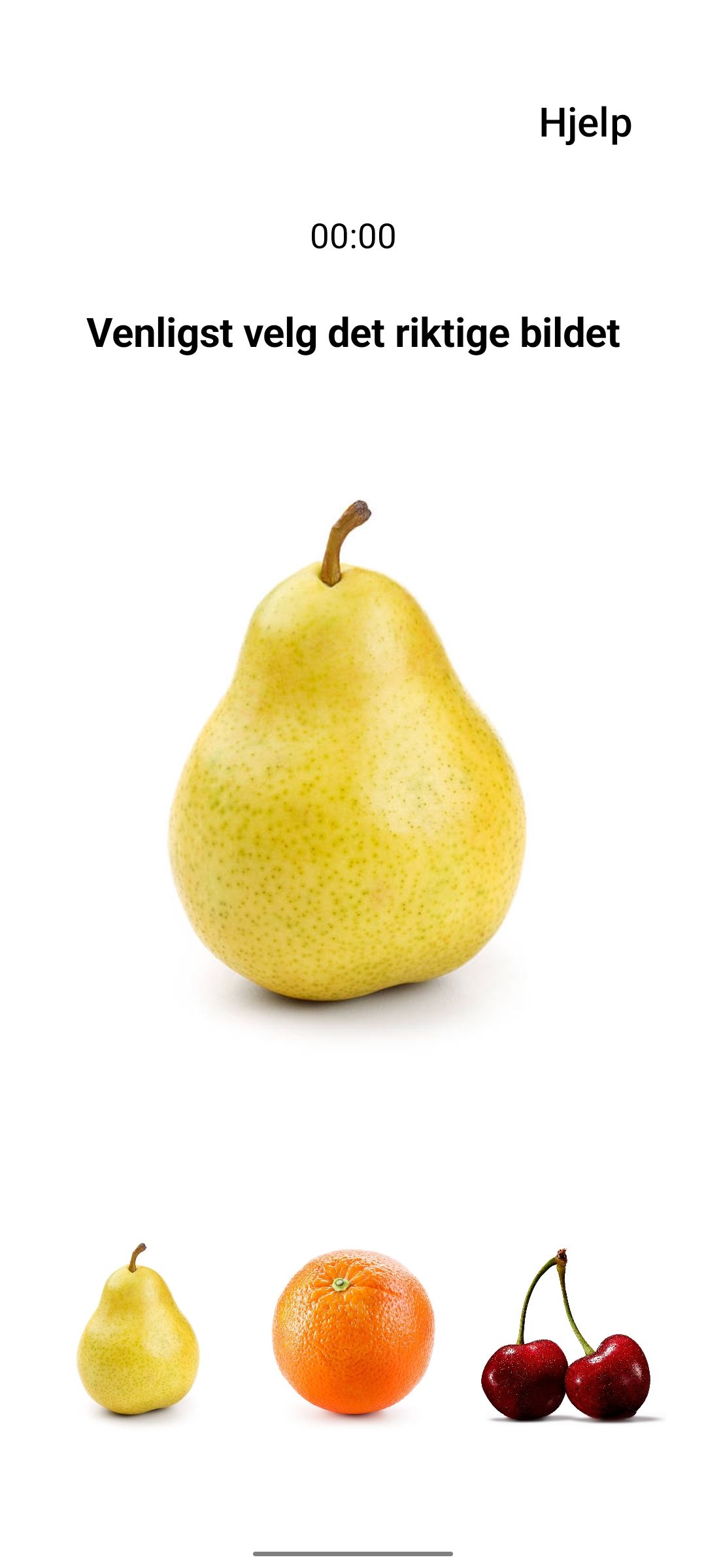
|
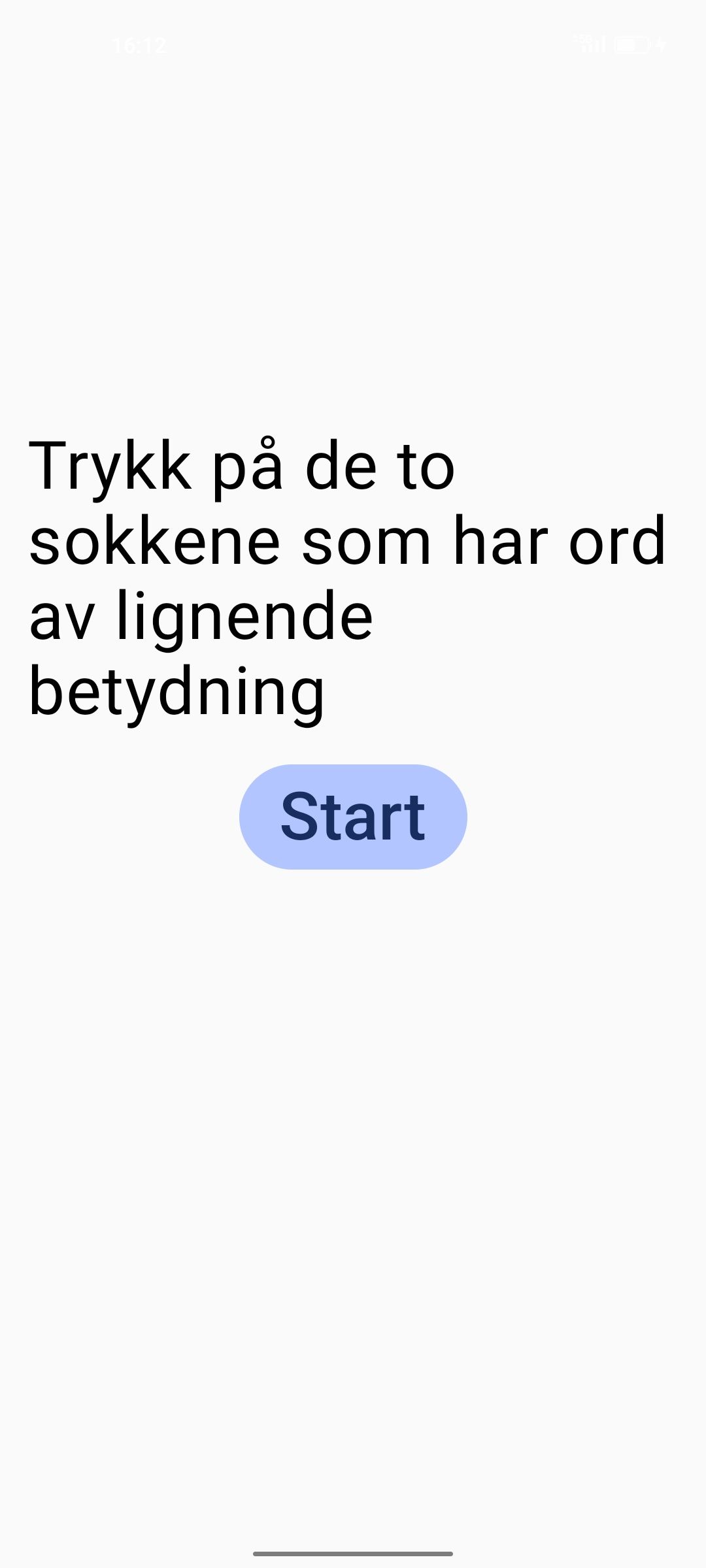
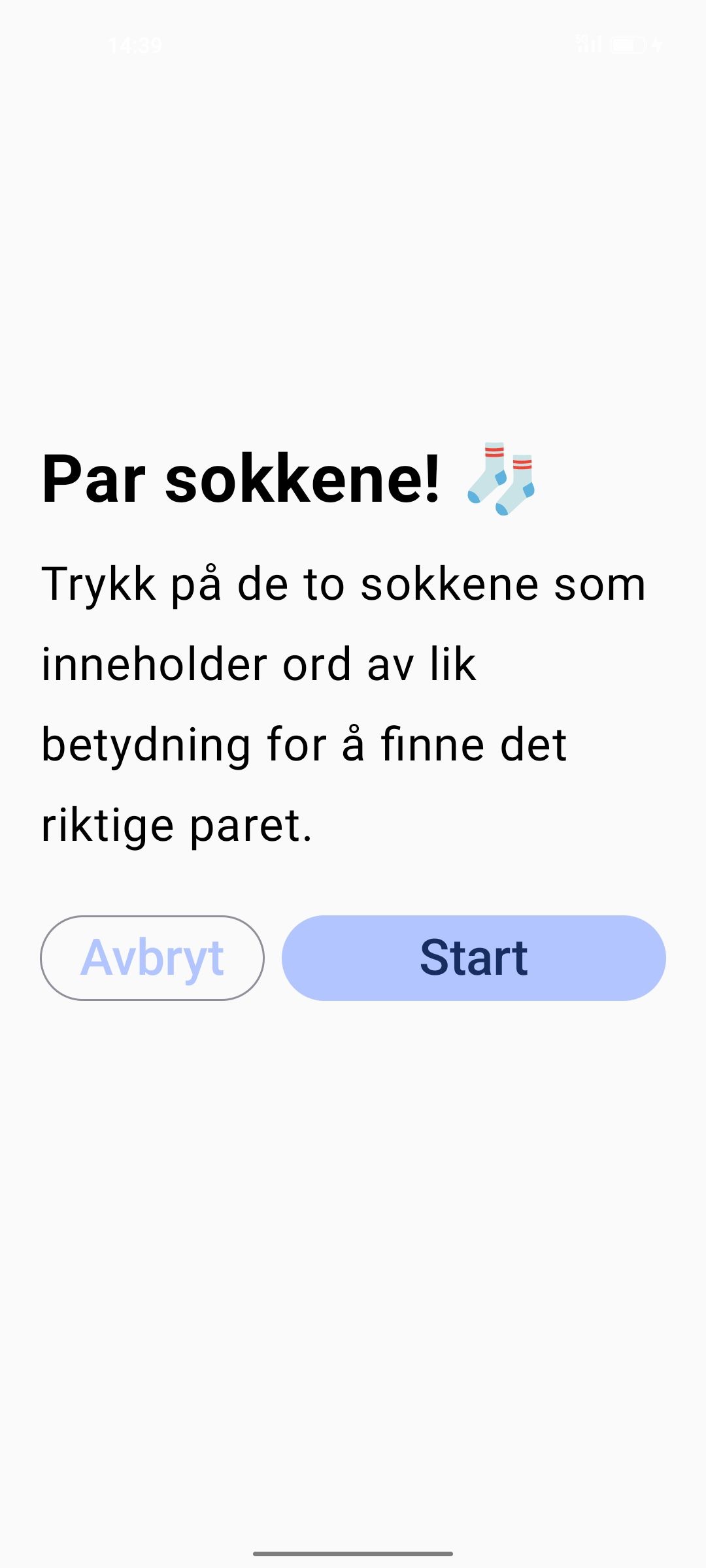
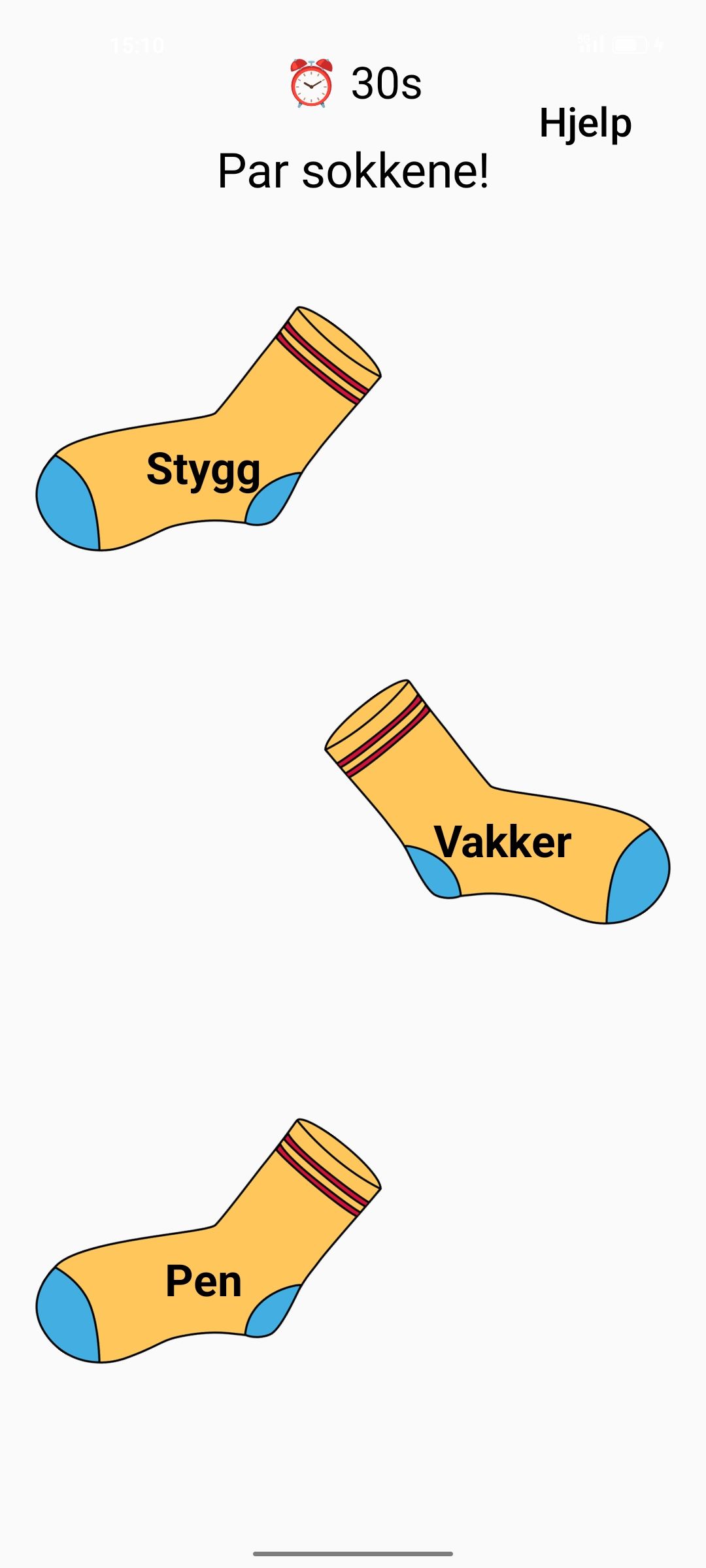
Game 2 uses the difficulty setting to determine one of three game modes: Easy – difficulty between 1–32Medium – difficulty between 33–65 Hard – difficulty between 66–100
This logic is handled in the Kotlin code using a |
| Info Screen First Itoration | Info Screen Second Itoration Norwegian Only |
Video | Image | Difficulty |
|---|---|---|---|---|
 |
|
|
Same as in first iteration |
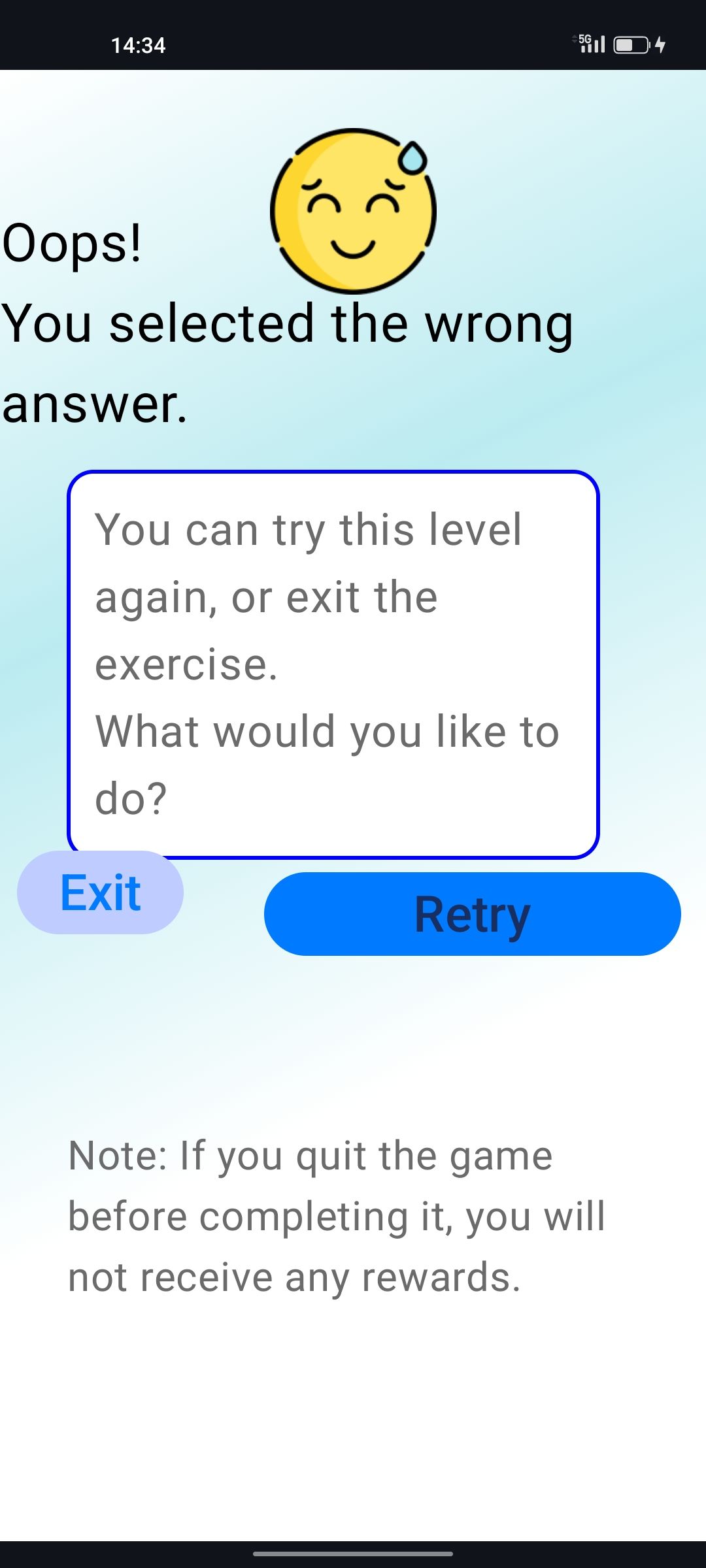
| Wrong Answer First Iteration | Wrong Answer Second Iteration | Game Complete | Progress Diagram | Doctor’s Note |
|---|---|---|---|---|
 |
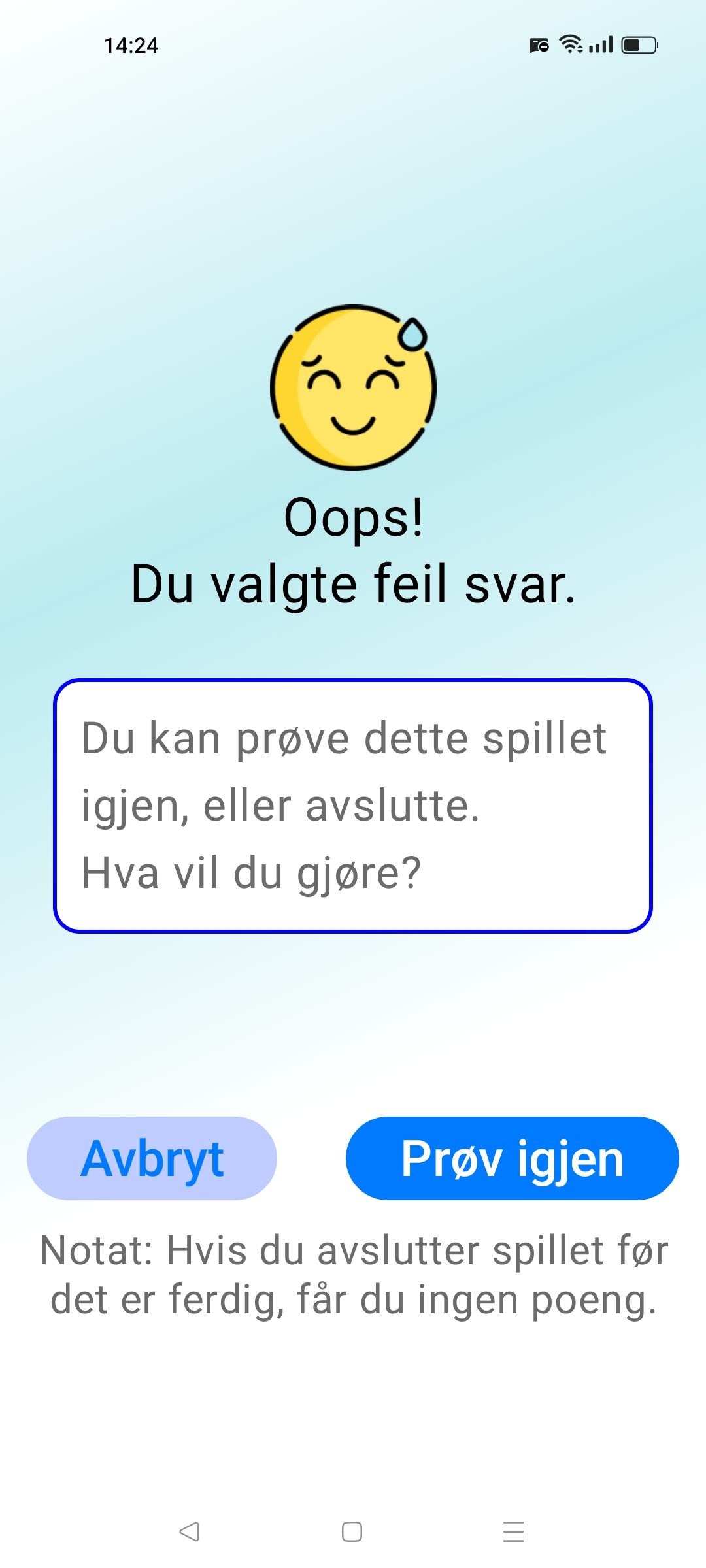 |
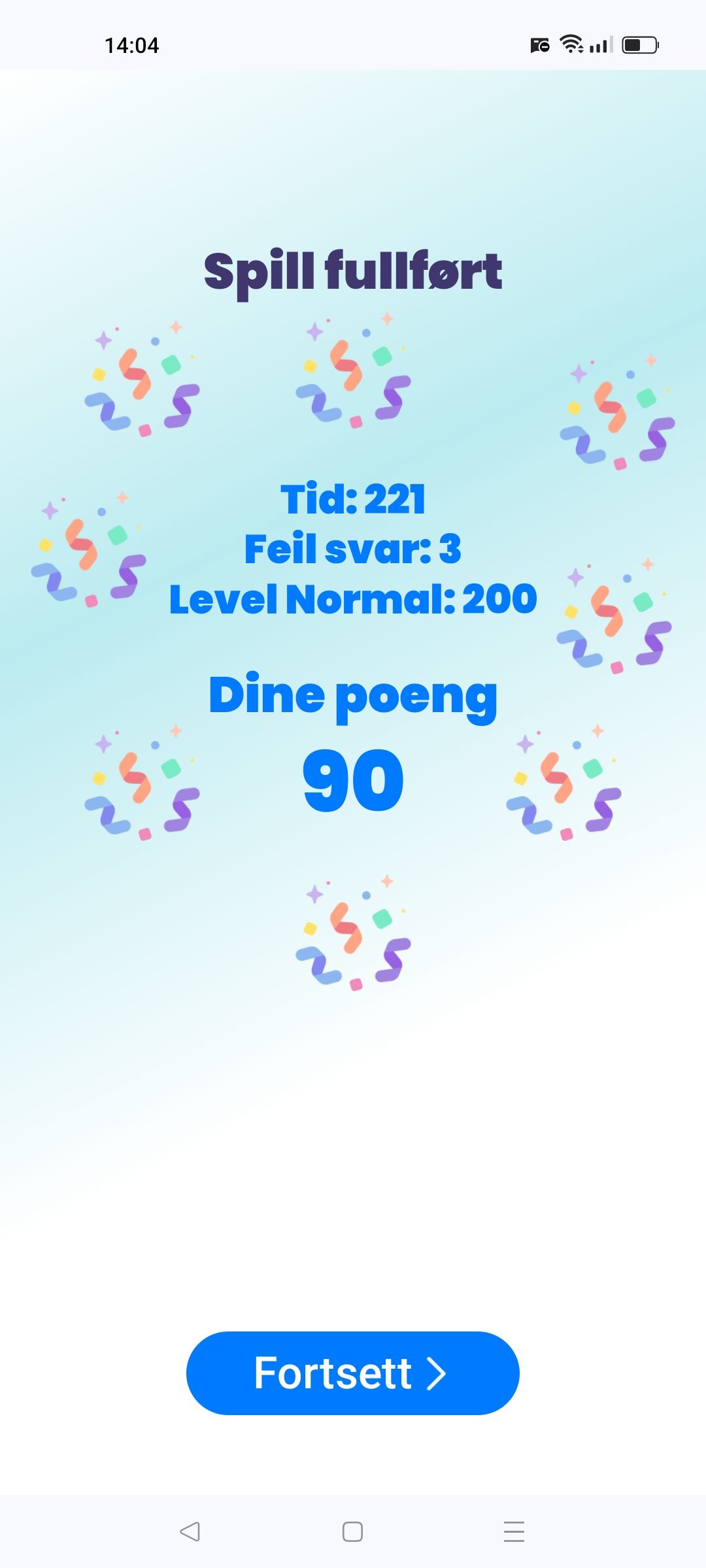 |
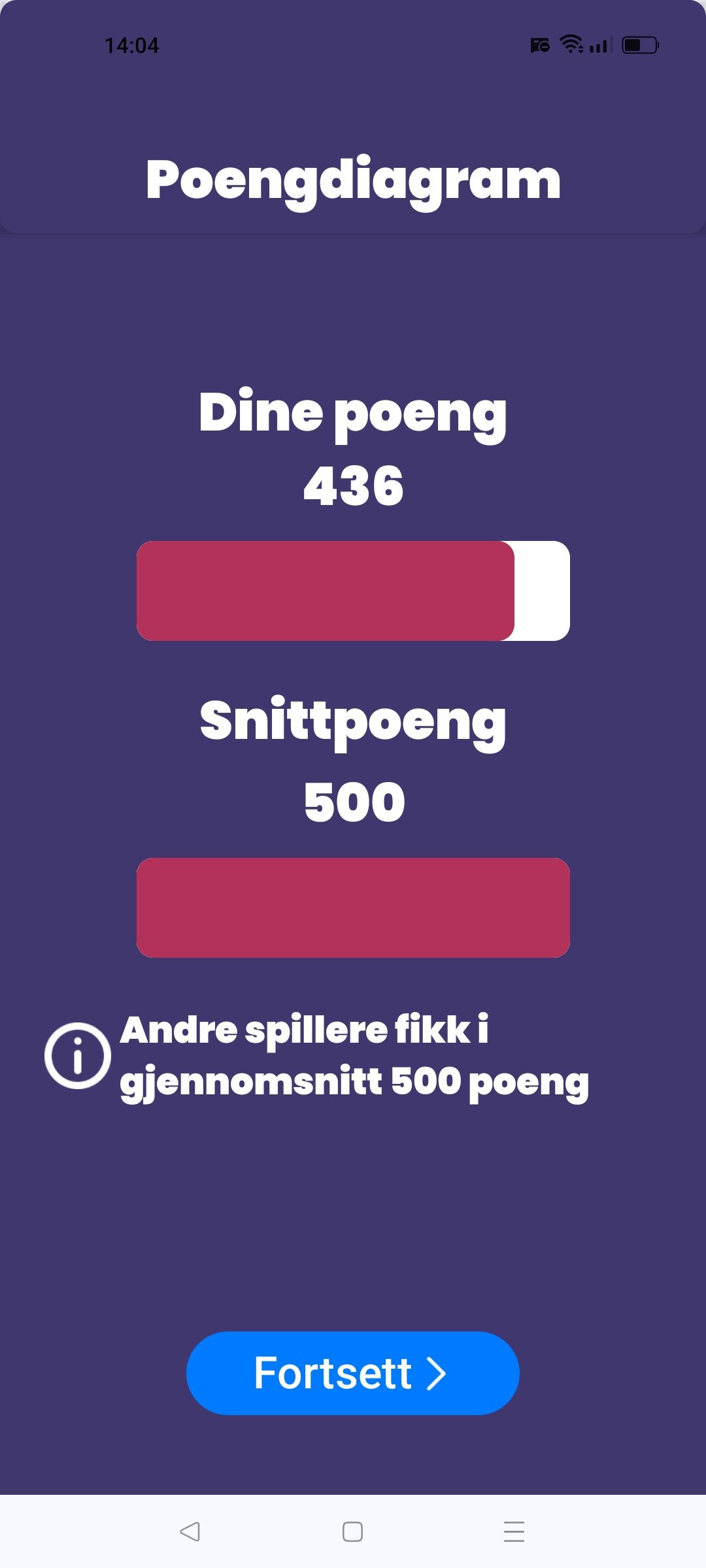 |
Removed |