
OverviewIn this early version of Cognify, core UI elements were introduced and basic game functionality was established. Language settings only affected info screens, and only Game 1 responded to the difficulty setting. Dark theme was not supported. |
Home Screen |
| Info Screen (English) | Info Screen (Norwegian) | Video | Image | Difficulty |
|---|---|---|---|---|
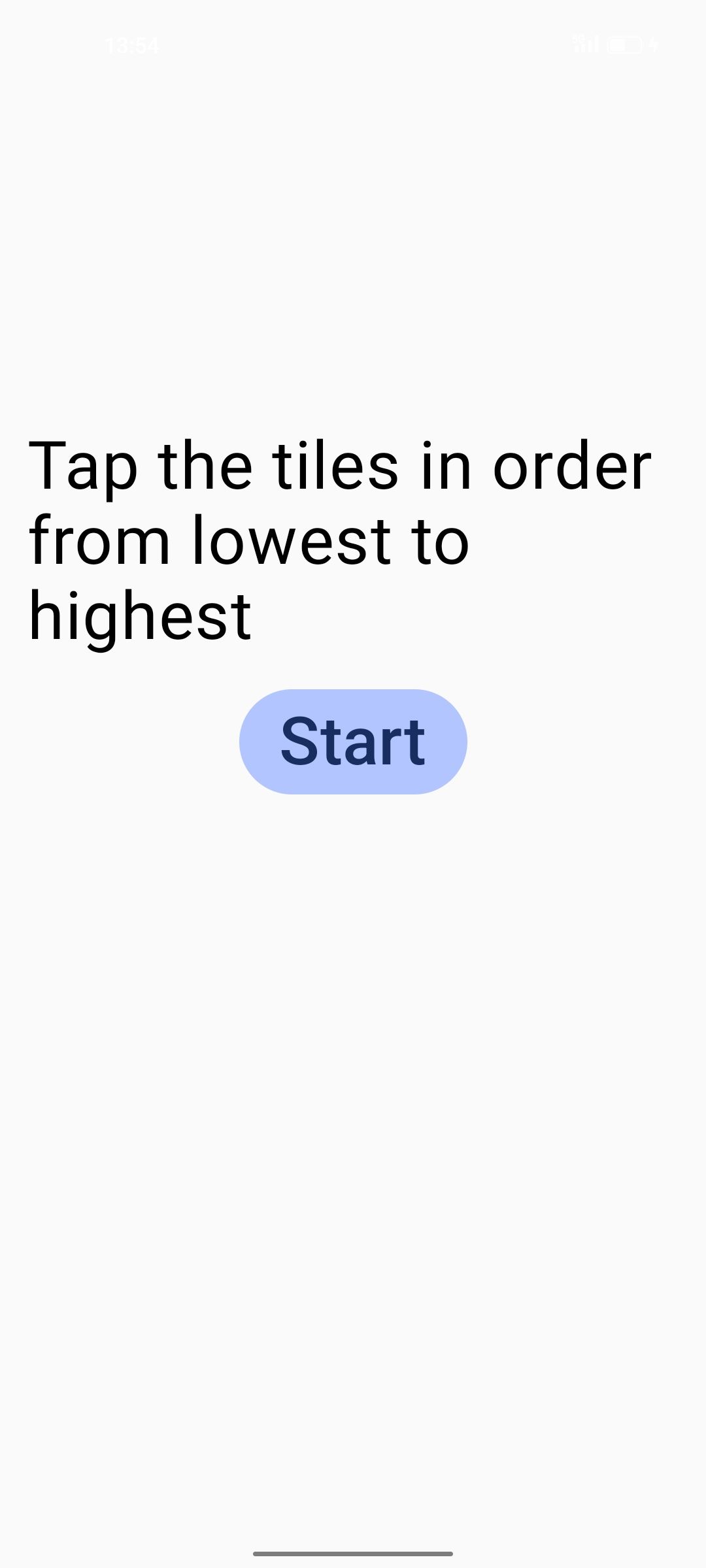
|
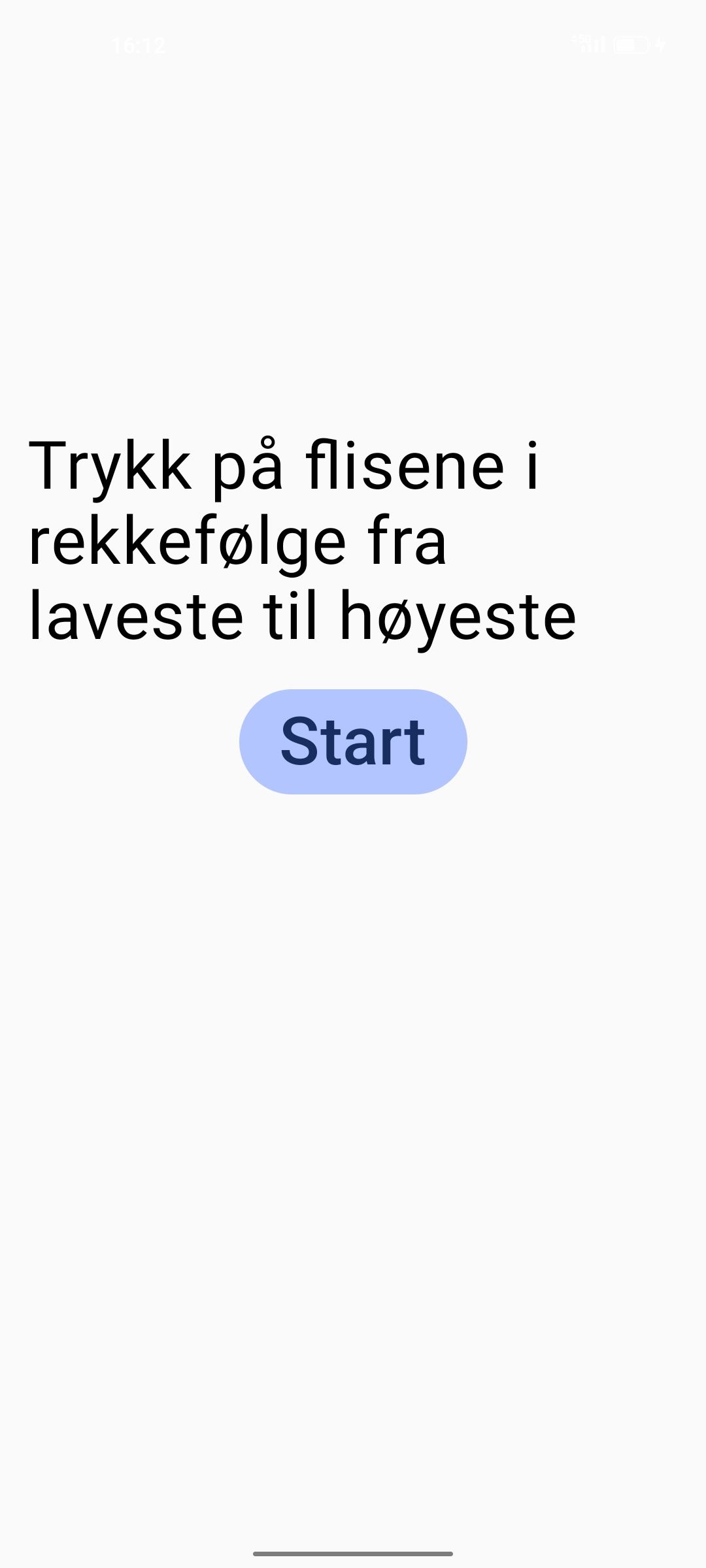
|
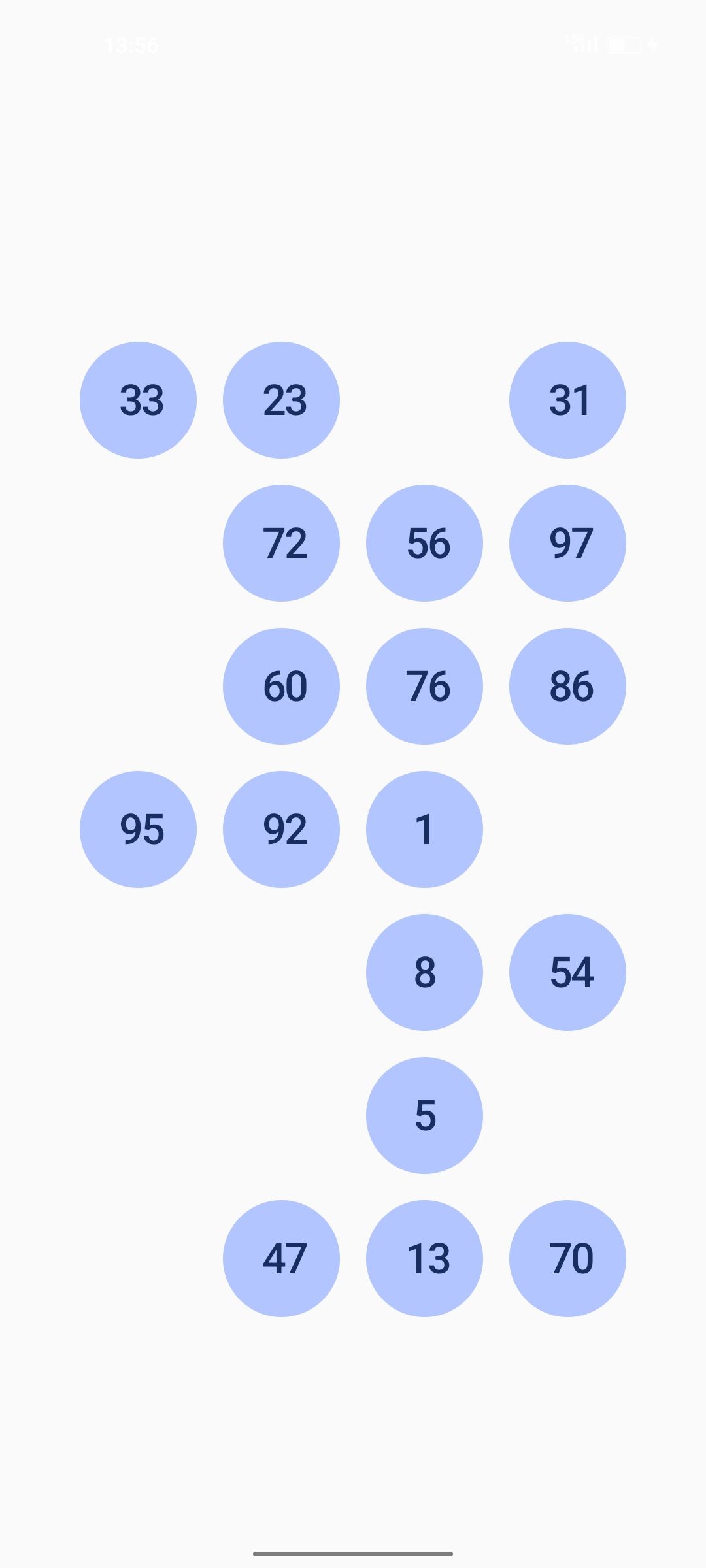
|
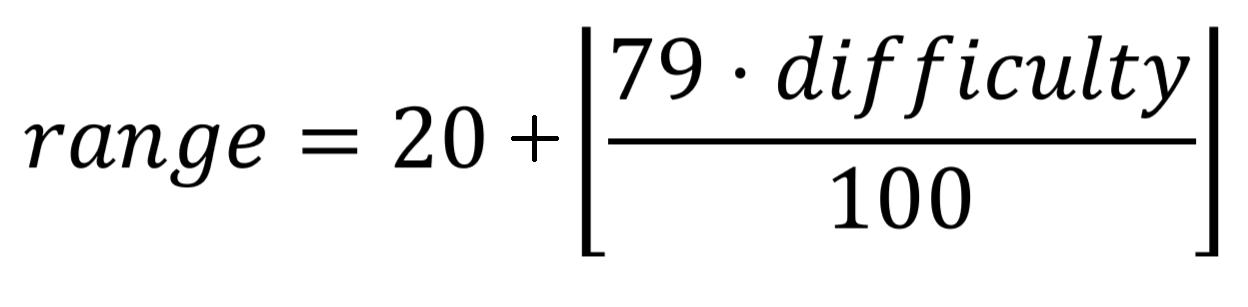
Game 1 uses the difficulty setting as input in two formulas to scale the game:
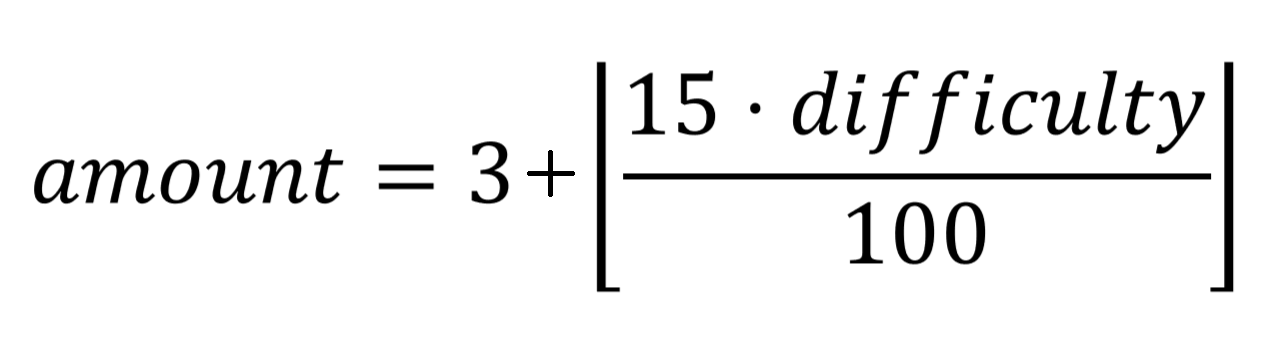
See how it's implemented in Kotlin: |
| Info Screen (English) | Info Screen (Norwegian) | Video | Image | Difficulty |
|---|---|---|---|---|
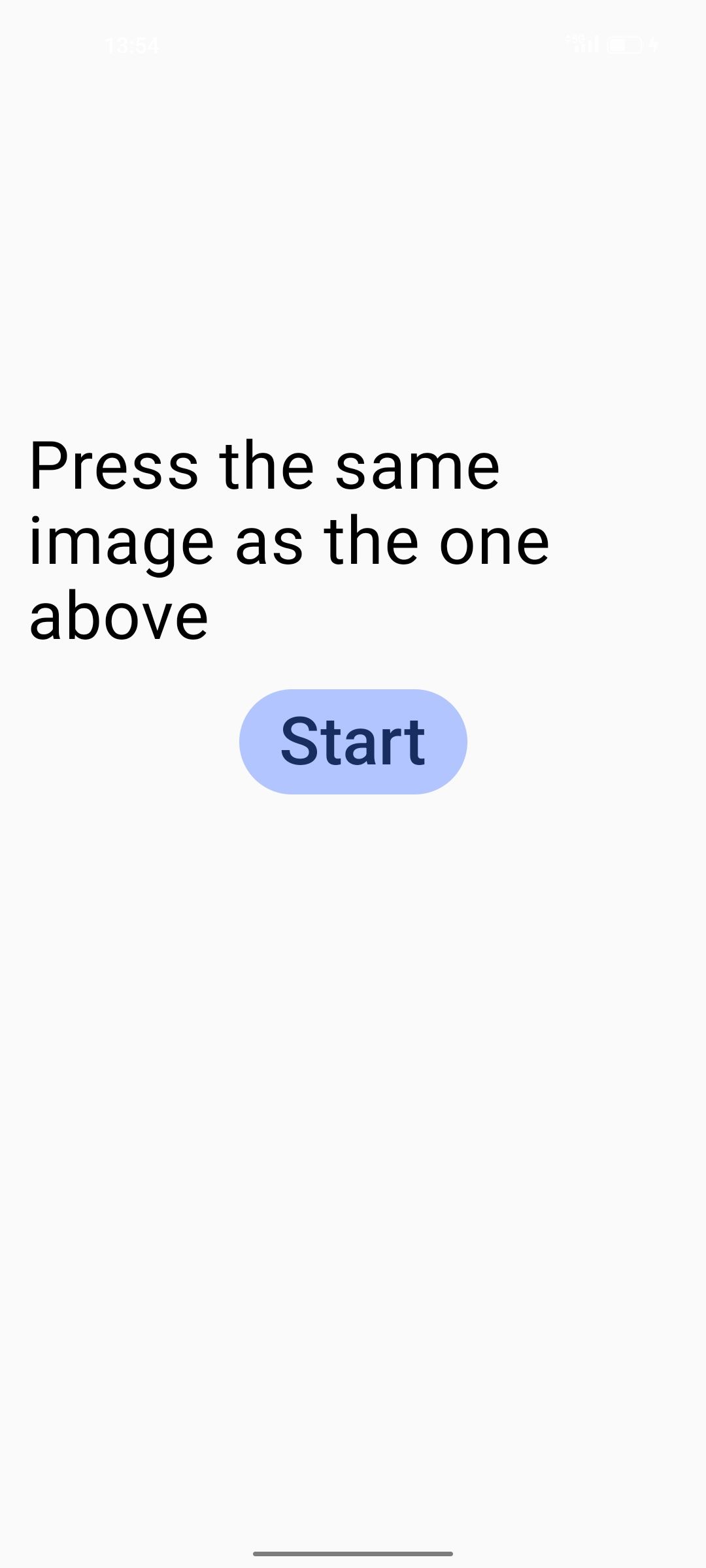
|
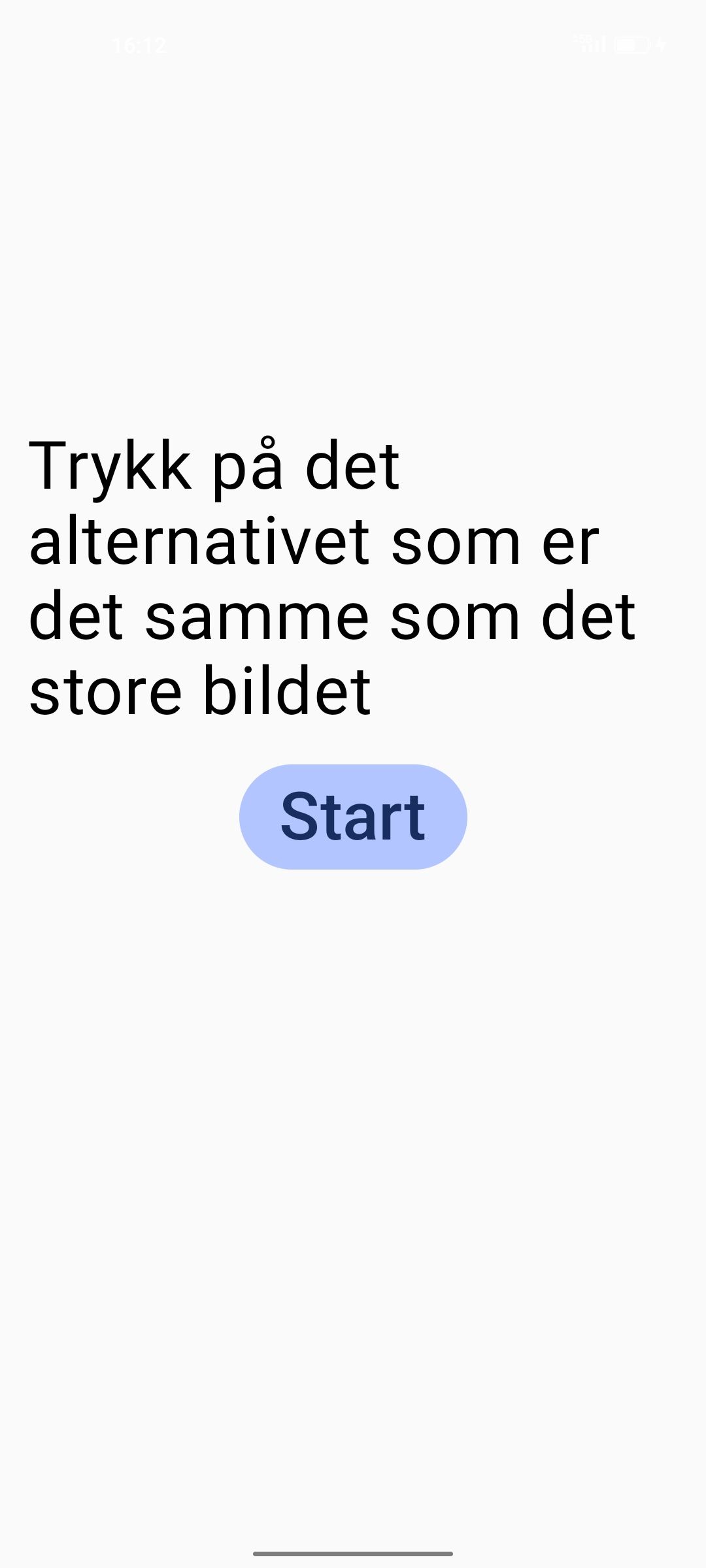
|
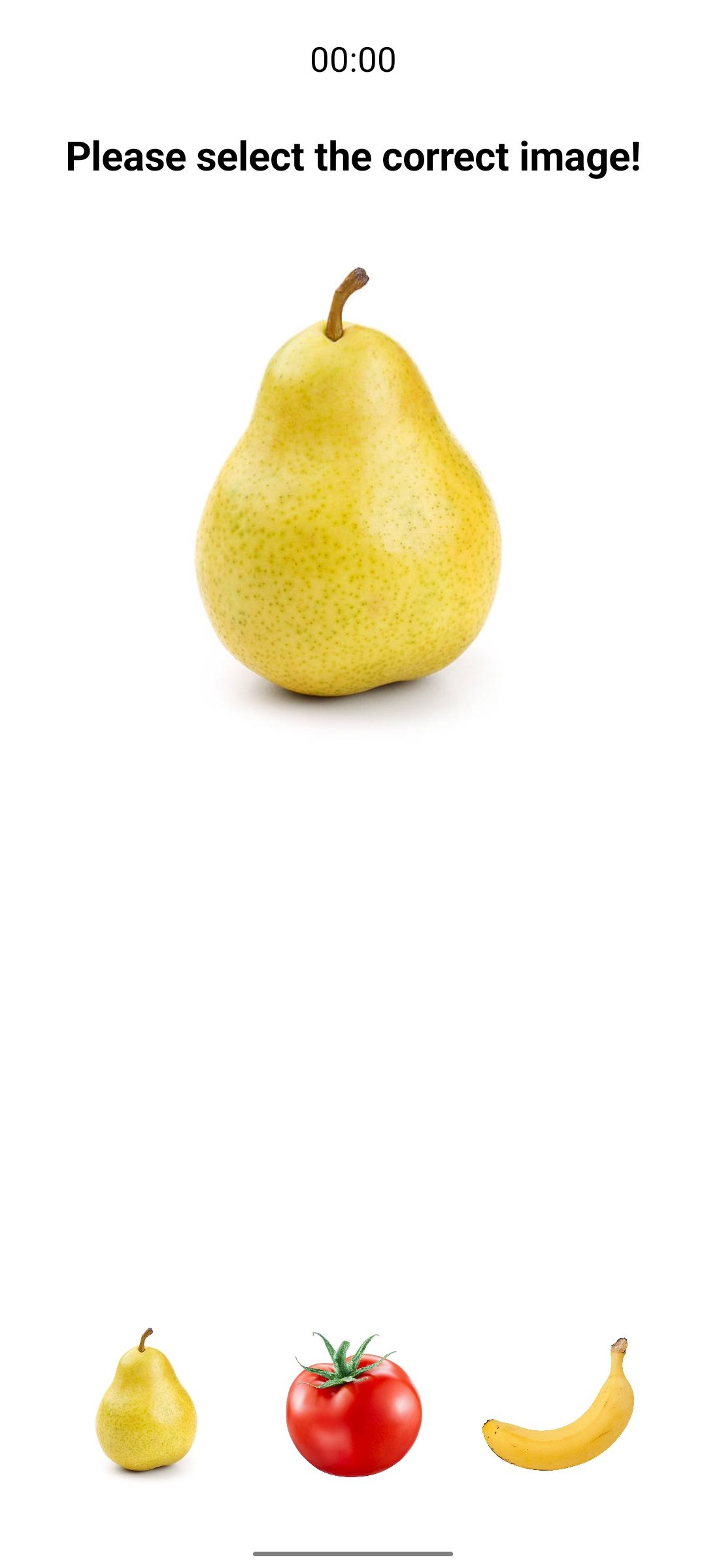
|
No difficulty implemented |
| Info Screen (English) | Info Screen (Norwegian) | Video | Image | Difficulty |
|---|---|---|---|---|
|
|
|
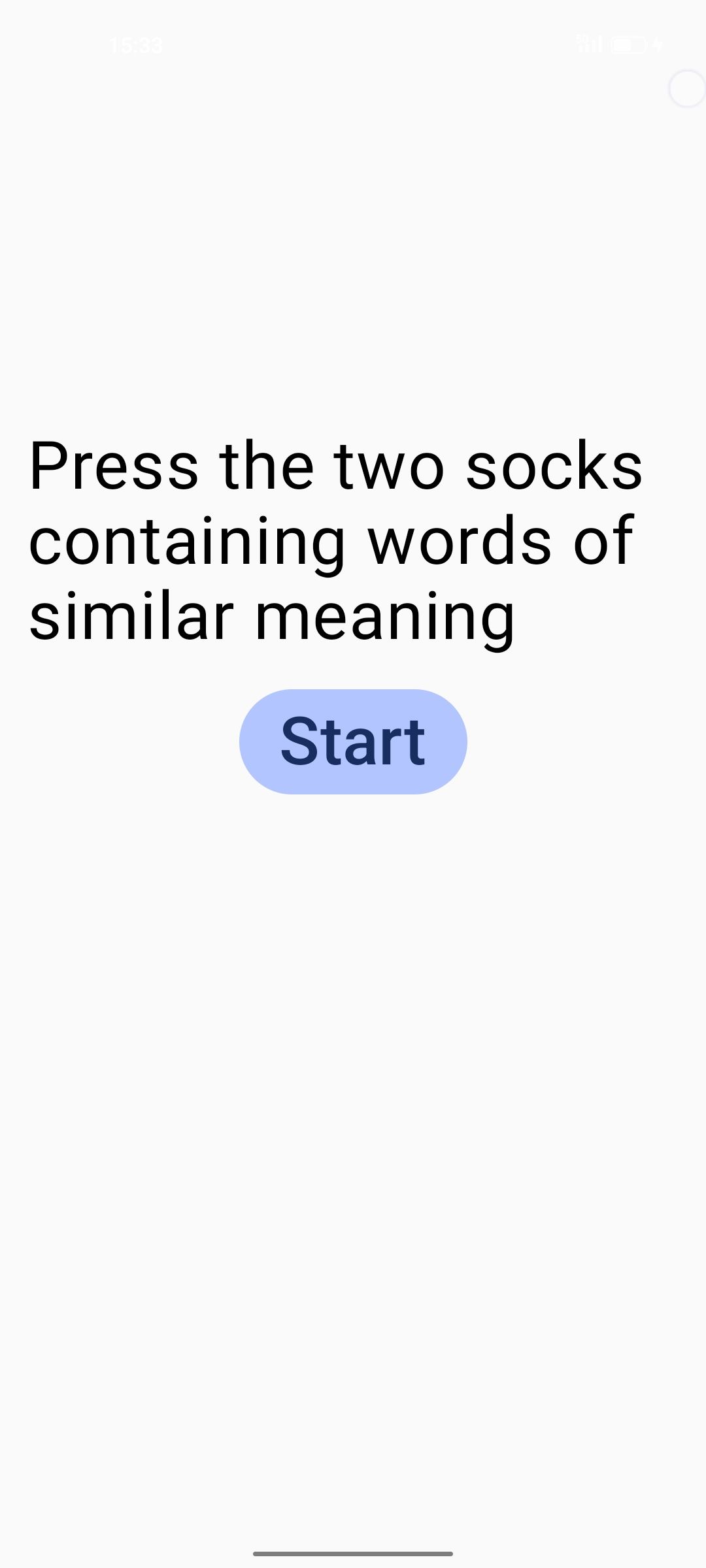
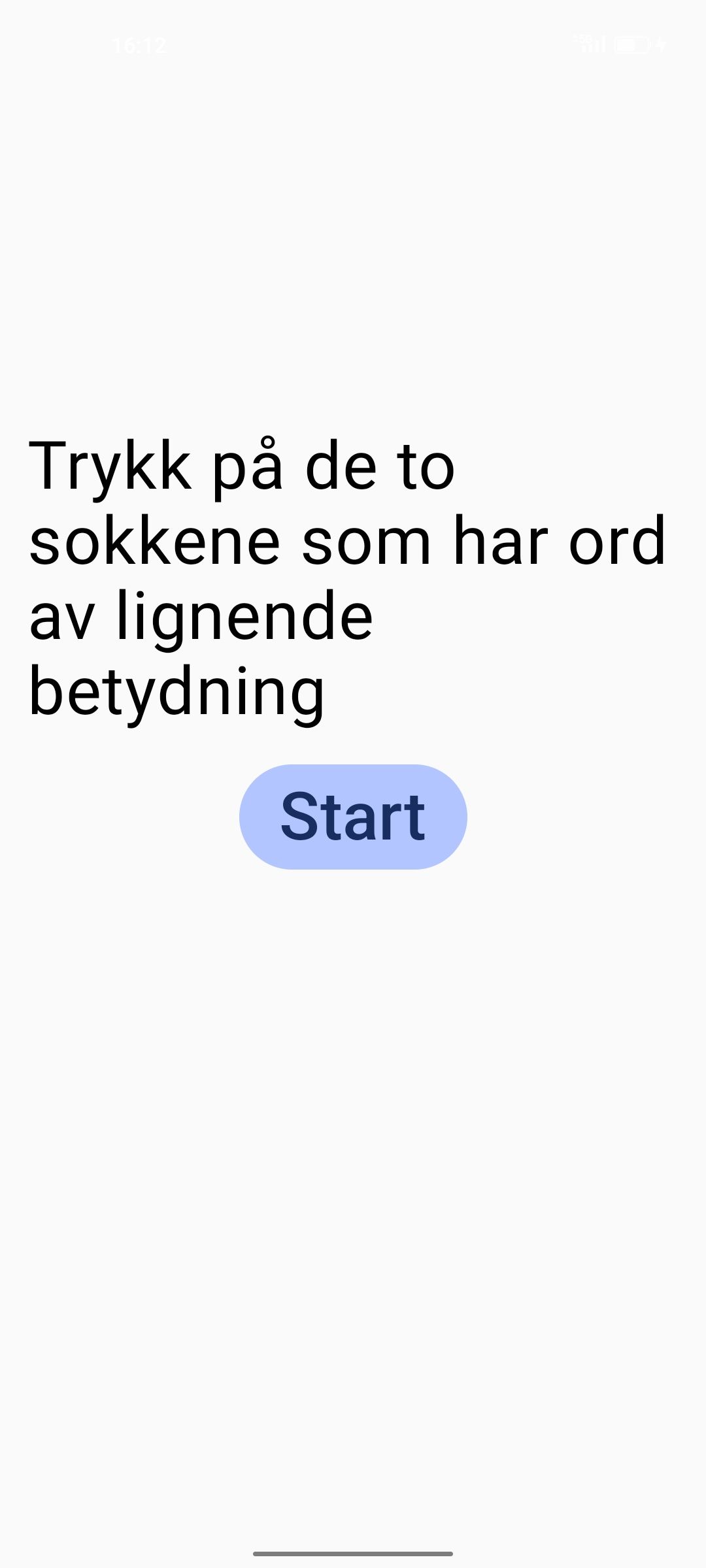
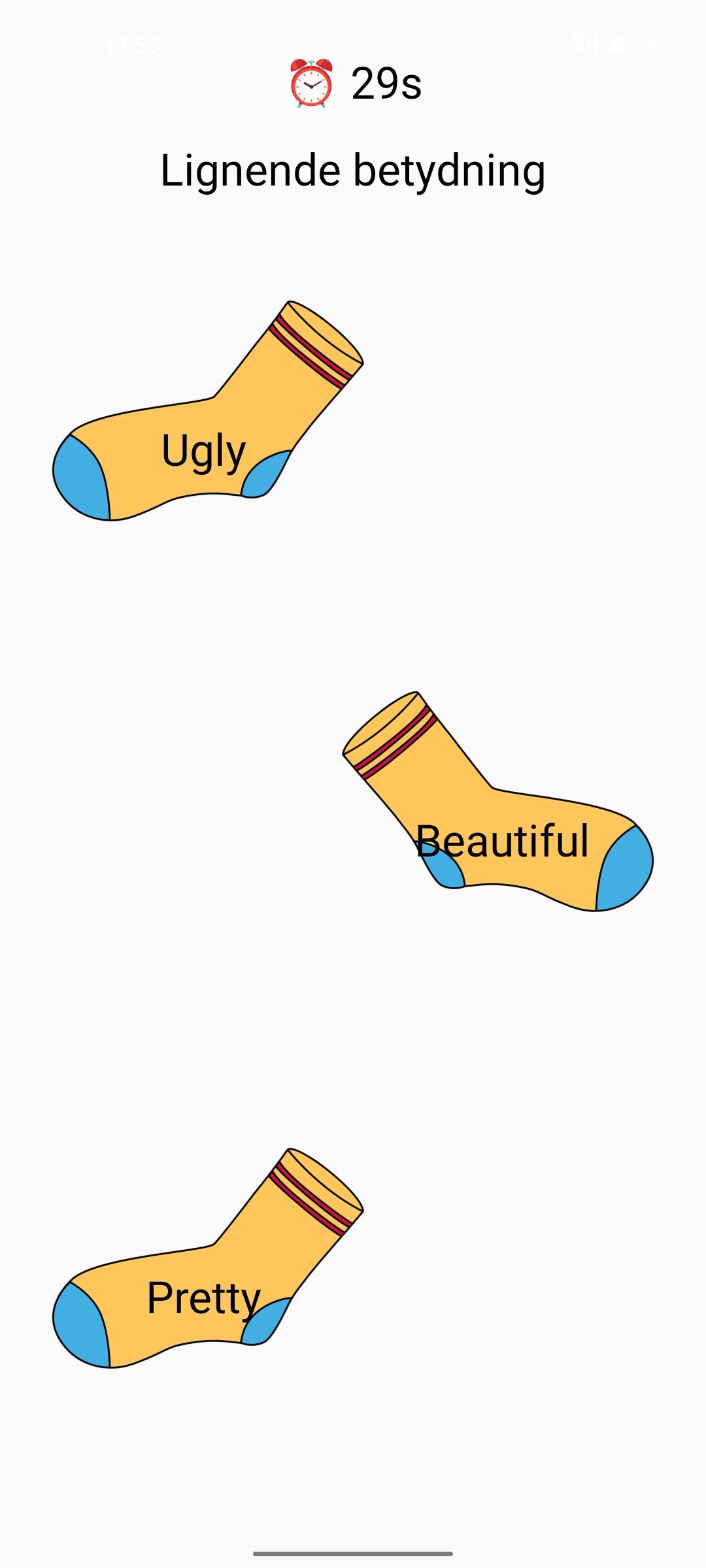
Consists of three rounds, each presenting increasingly challenging words. The difficulty slider does not affect the words |
| Wrong Answer | Score Summary | Comparison Chart | Doctor’s Note |
|---|---|---|---|
 |
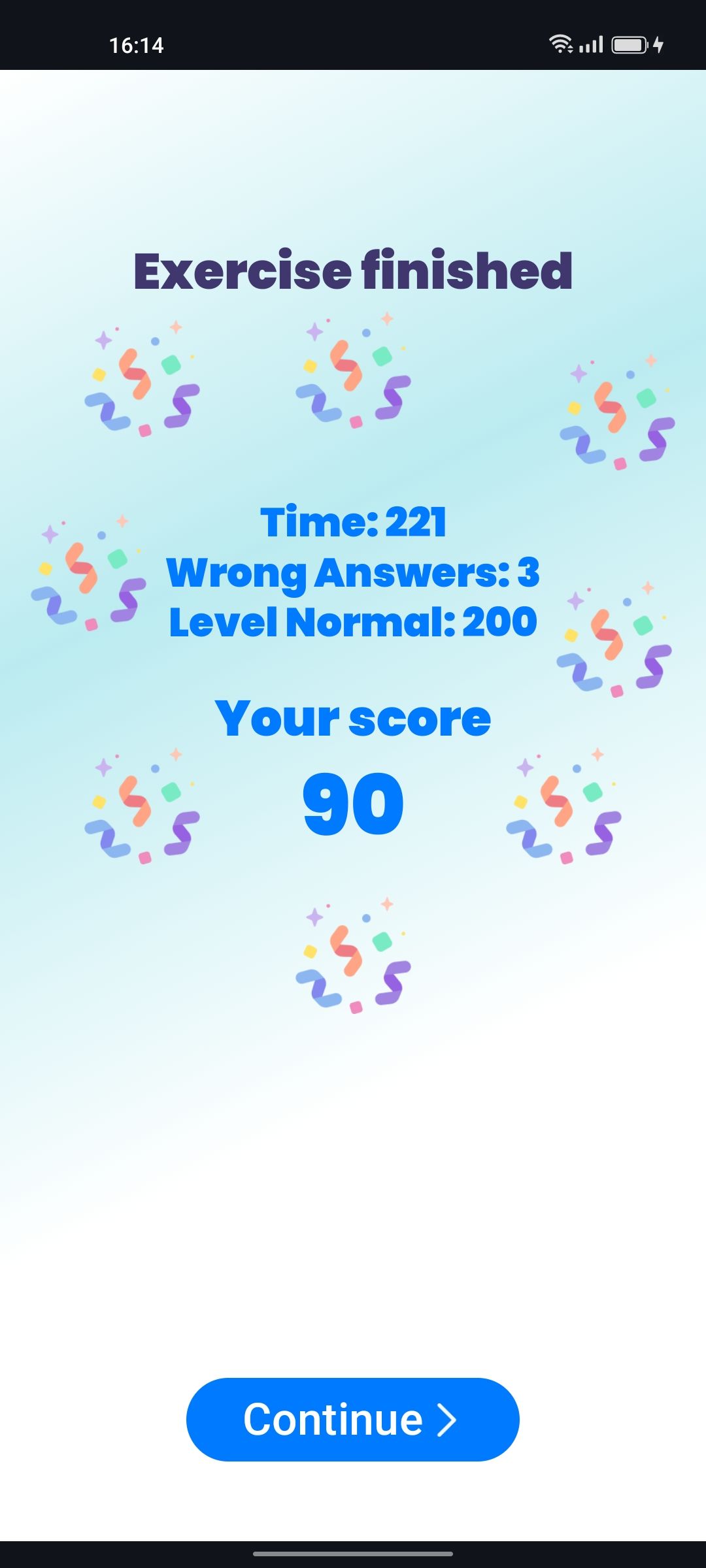 |
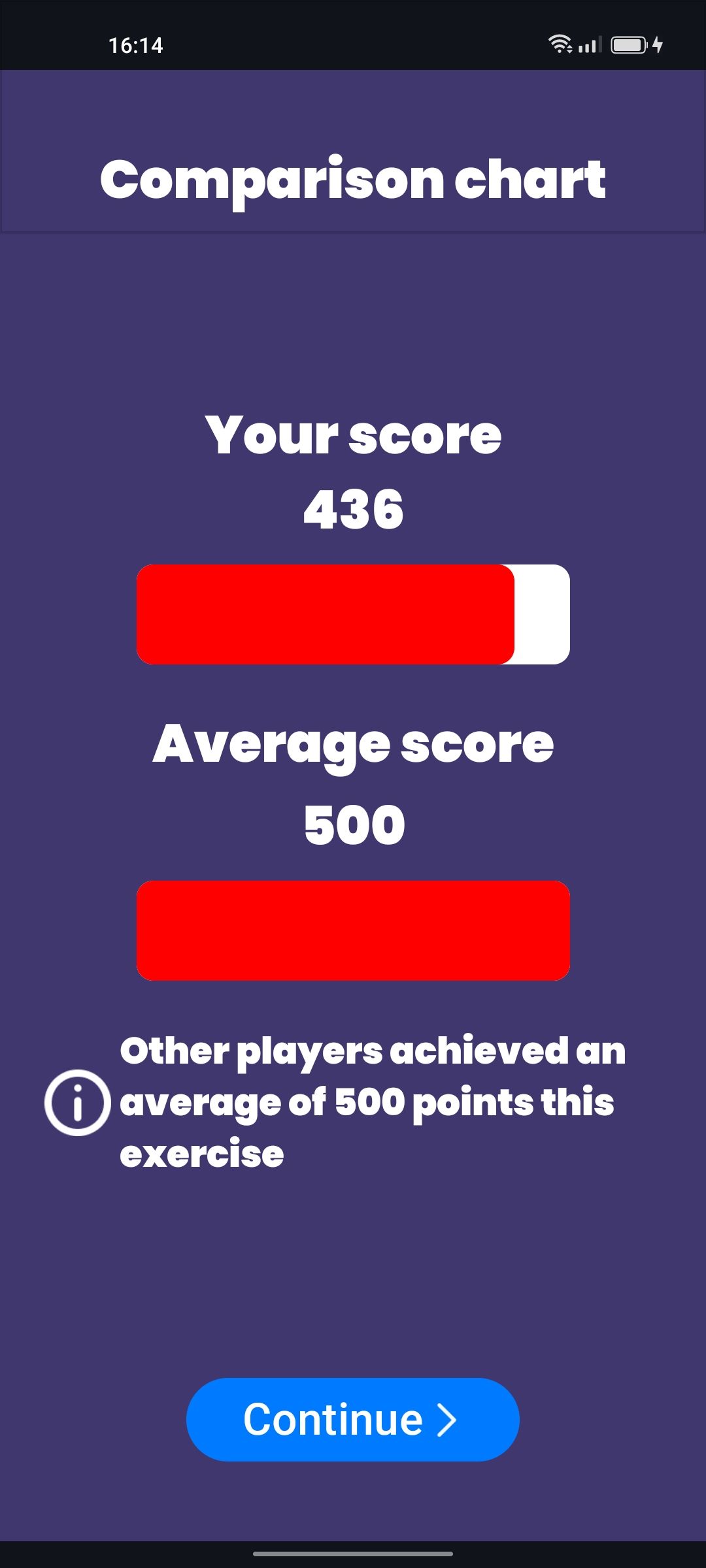 |
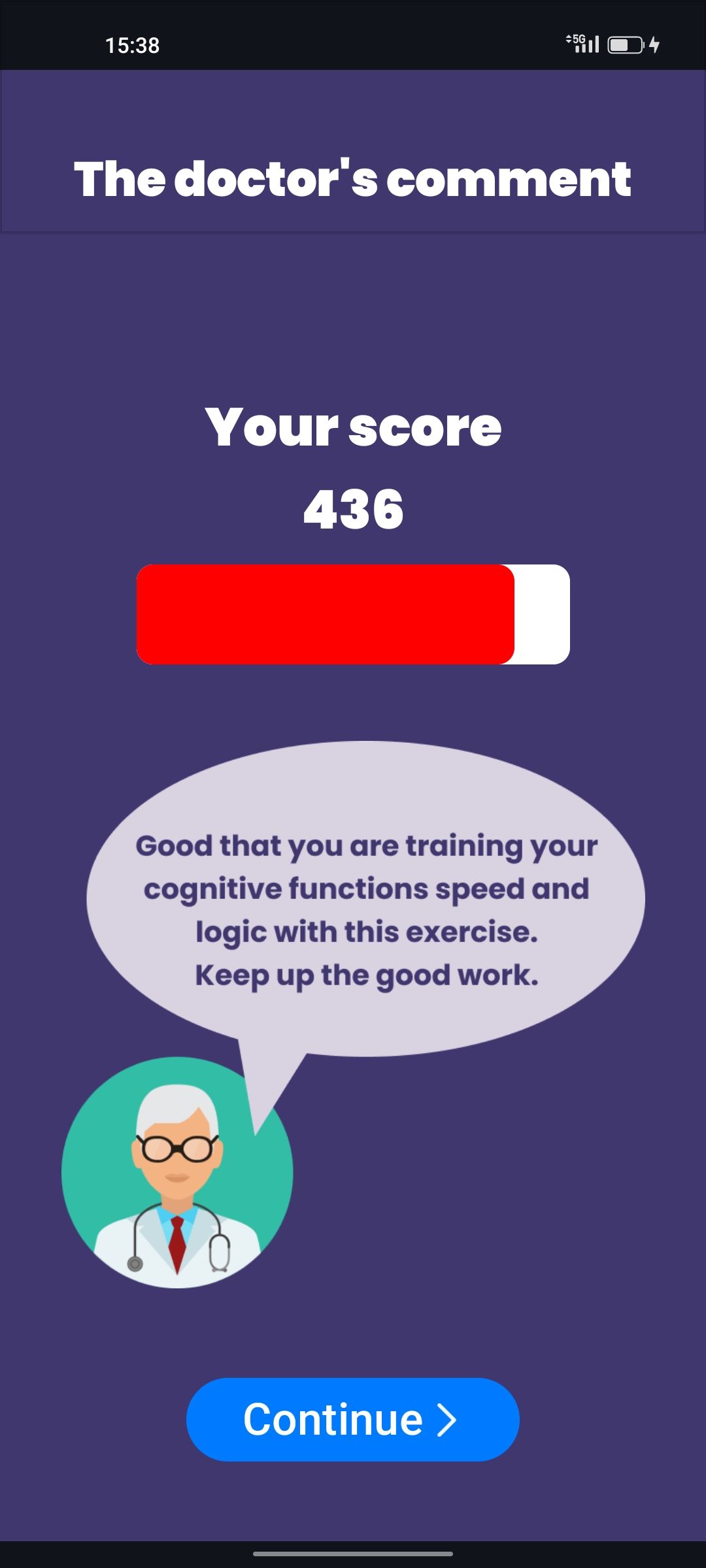 |
|
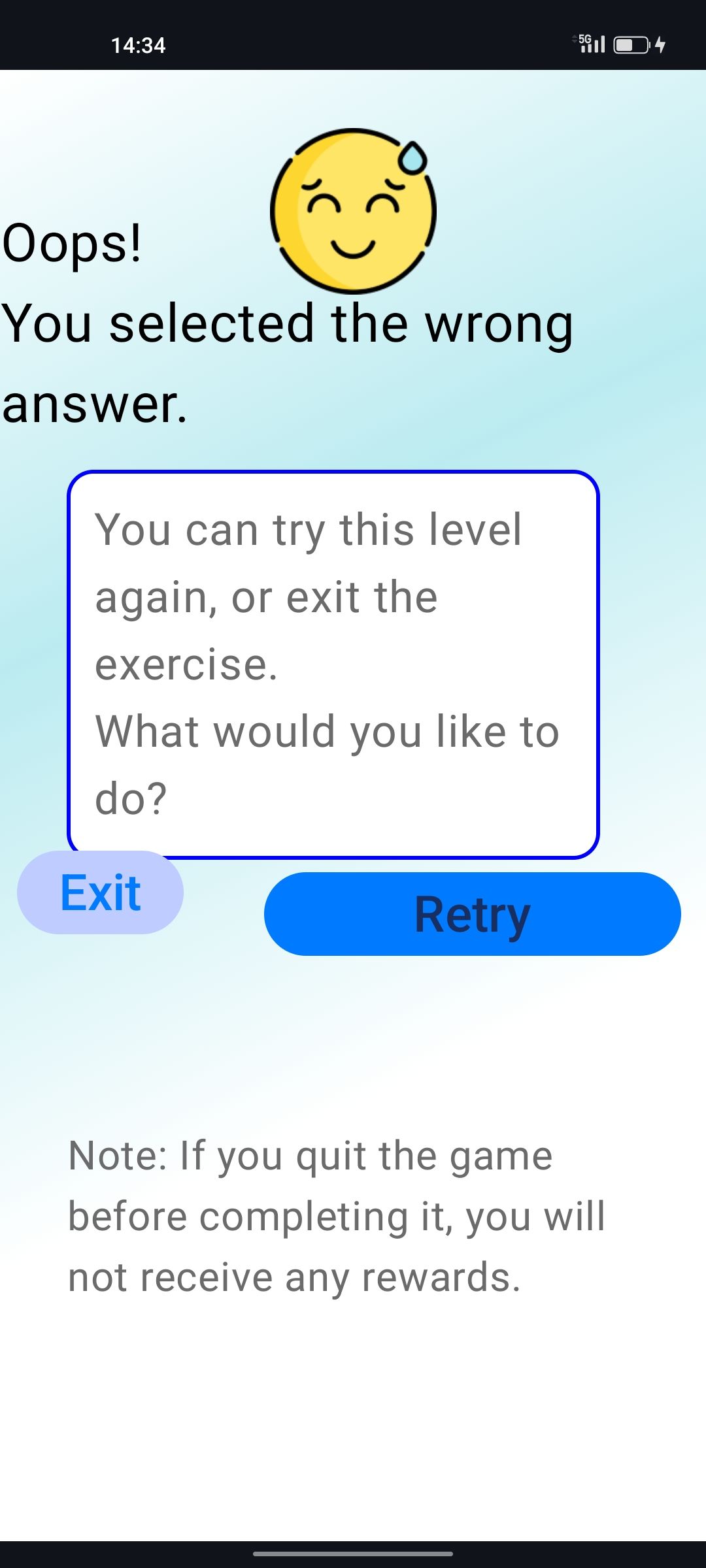
Issues: – Misaligned buttons – Exit button crashes the app – Text misalignment |
Issues: – Time always shows "221" – Wrong answers always show "3" – Difficulty always shows "200" – Score always "90" |
Note: All values were hardcoded to 436 | Note: Same as chart – values are hardcoded to 436 |